Task 1: Introduction
A cyber incident is any malicious and unauthorized activity compromising systems or data’s confidentiality, integrity, or availability. The vast figures of Windows OS usage in desktop computers and laptops worldwide draw our attention to Windows forensics and incident response. Conducting detailed Windows forensics to analyze an incident’s root cause is always exciting and full of learning.
Case
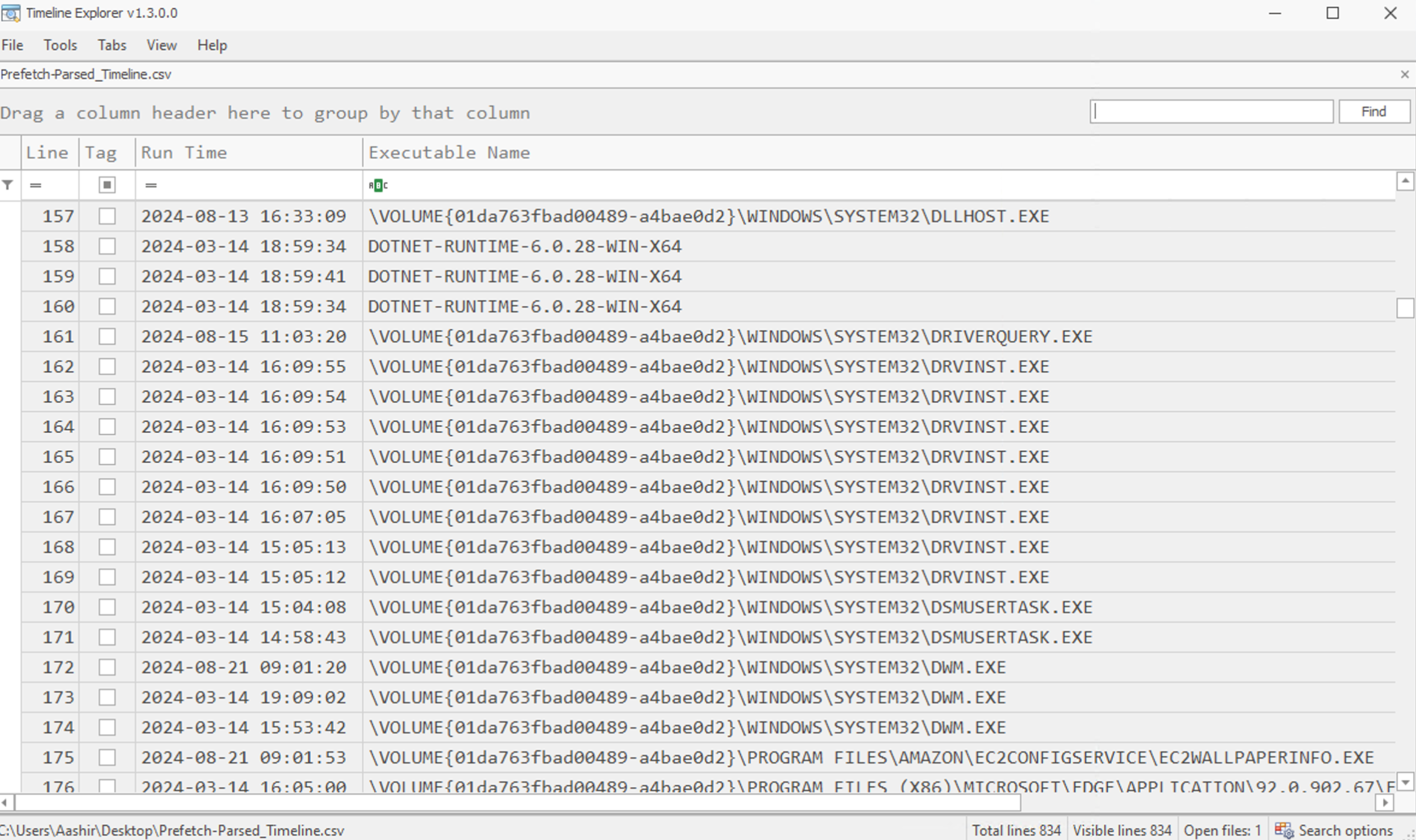
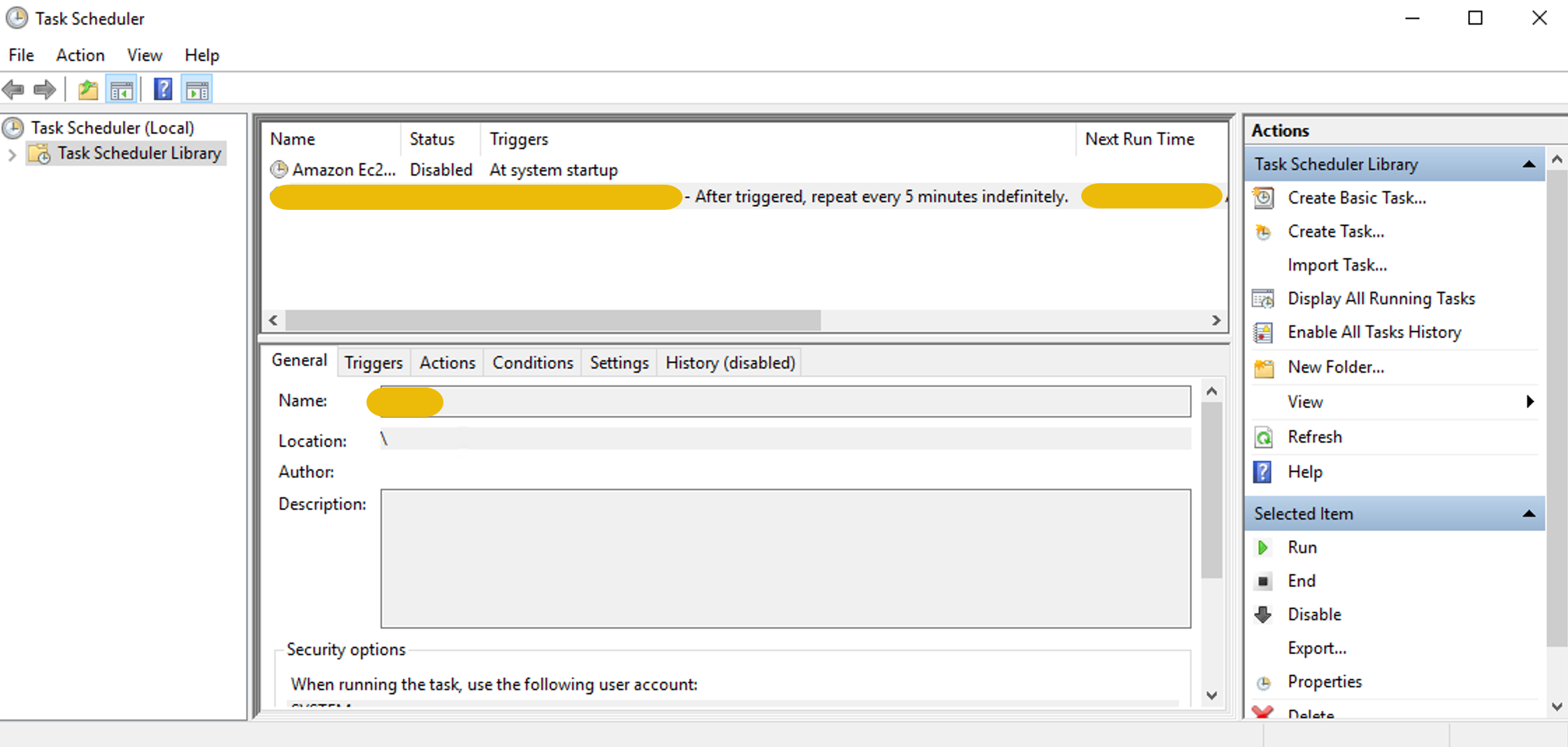
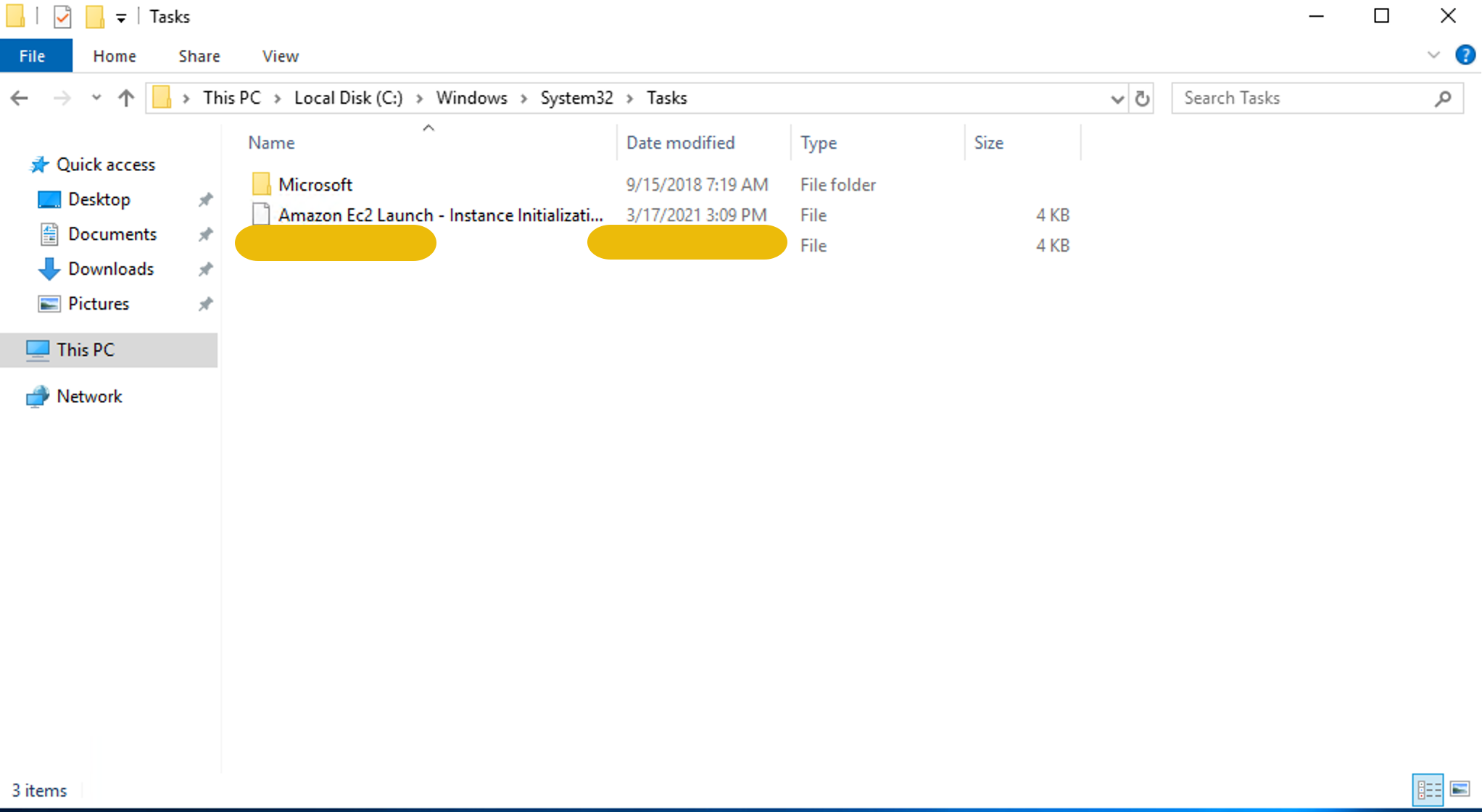
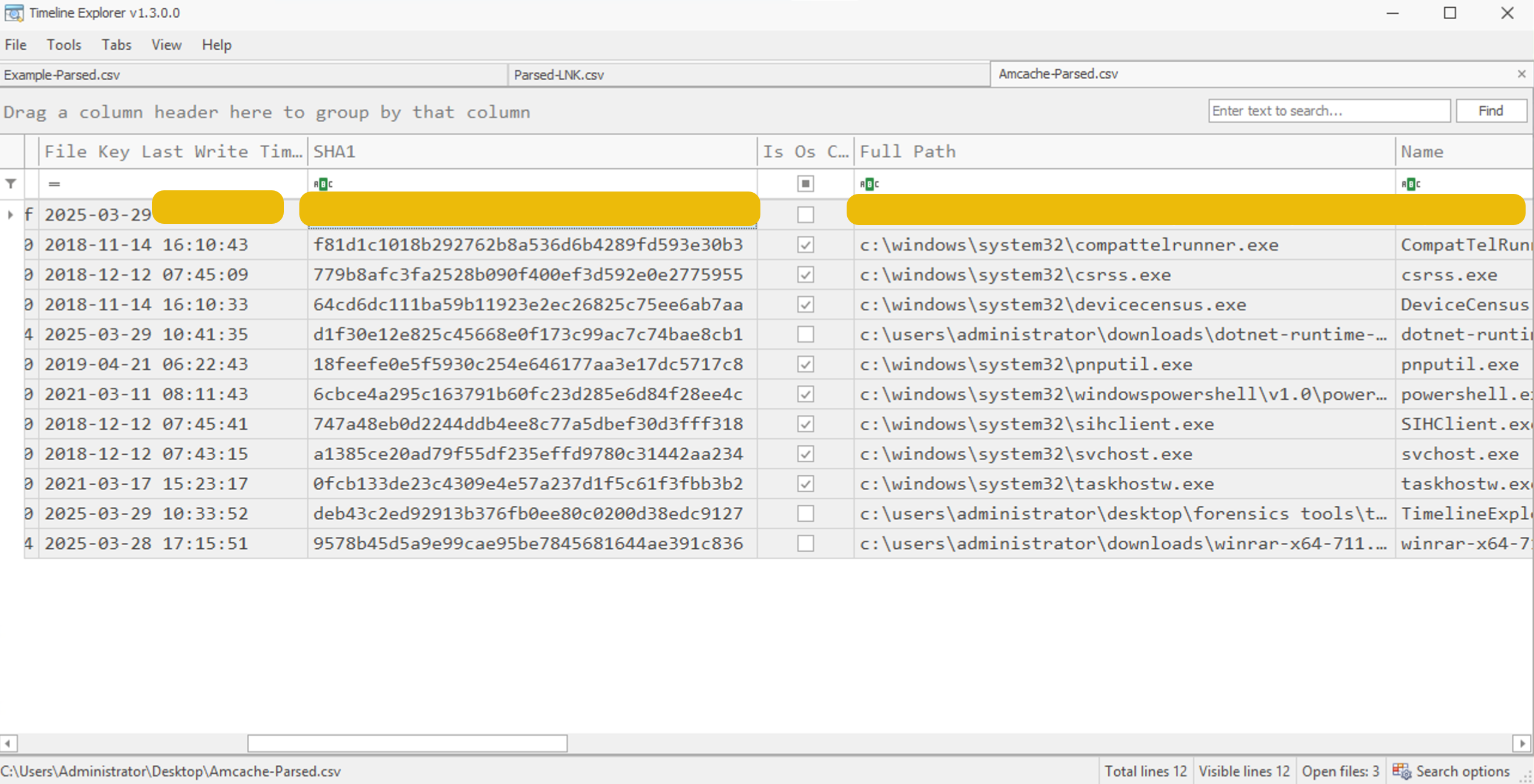
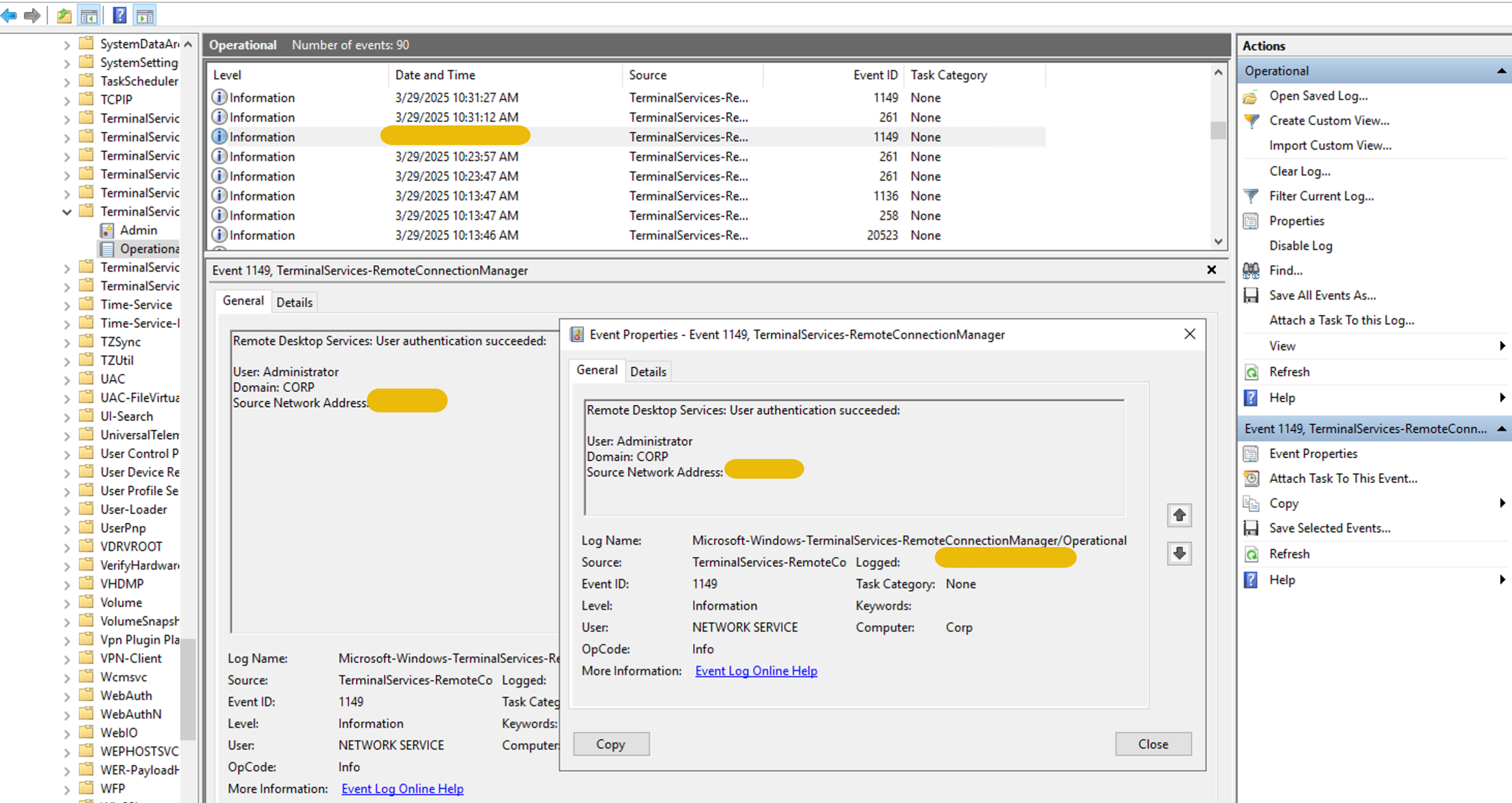
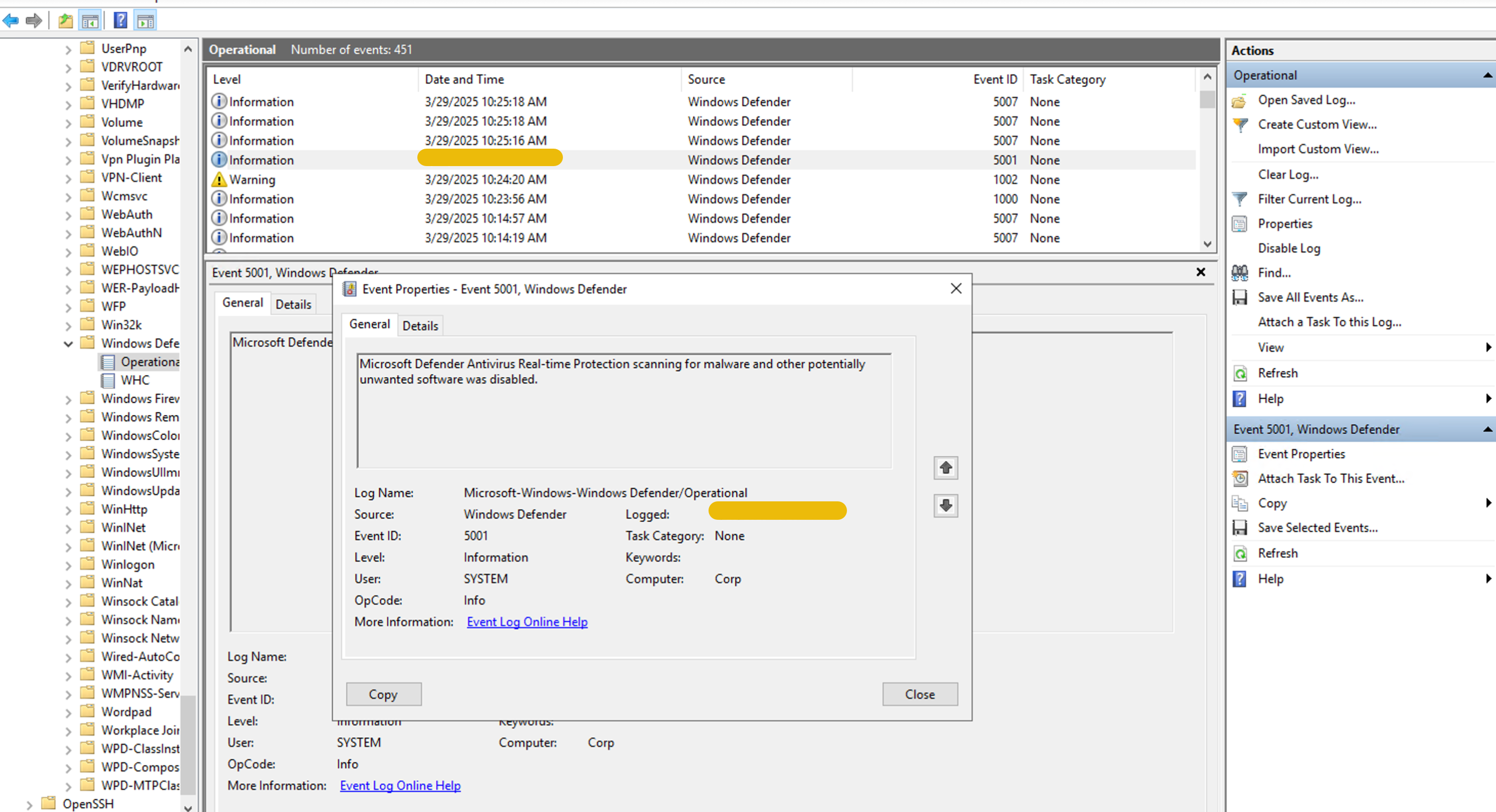
TKM is a tech startup with a few employees, including a junior security engineer, Joe. He ensures the company’s security remains intact. On the 29th of March, 2025, Joe observed some suspicious traffic (SSH Connections) to a malicious IP address from one of the employee’s (Aashir) host. Joe also observed that the connection attempts repeated after precisely one minute and were refused every time. Joe blocks the IP over the network and contains the host immediately. After conducting the initial investigation, Joe found that Aashir was unaware of this connection and observed a prompt on the screen after every minute. Aashir also found the built-in antivirus, Windows Defender, turned off.
TKM wants us to investigate Aashir’s workstation in detail and analyze the root cause of the subject activity.
Learning Objectives
In this room, we will dive into the investigation of the victim’s compromised Windows OS. Following are the learning objectives you would take away after the completion of this room:
- Analyzing attacker’s footprints for root cause analysis
- Investigating the persistence of attack
- Gathering evidence of any malicious file execution
- Windows event logs analysis for intrusion & defense evasion
- Building a timeline analysis of the attack
Note: The following are prerequisite rooms that you should visit before solving this room:
Answer the questions below
- What is the user's name whose system generated suspicious SSH traffic to a malicious IP?