Task 1: Introduction
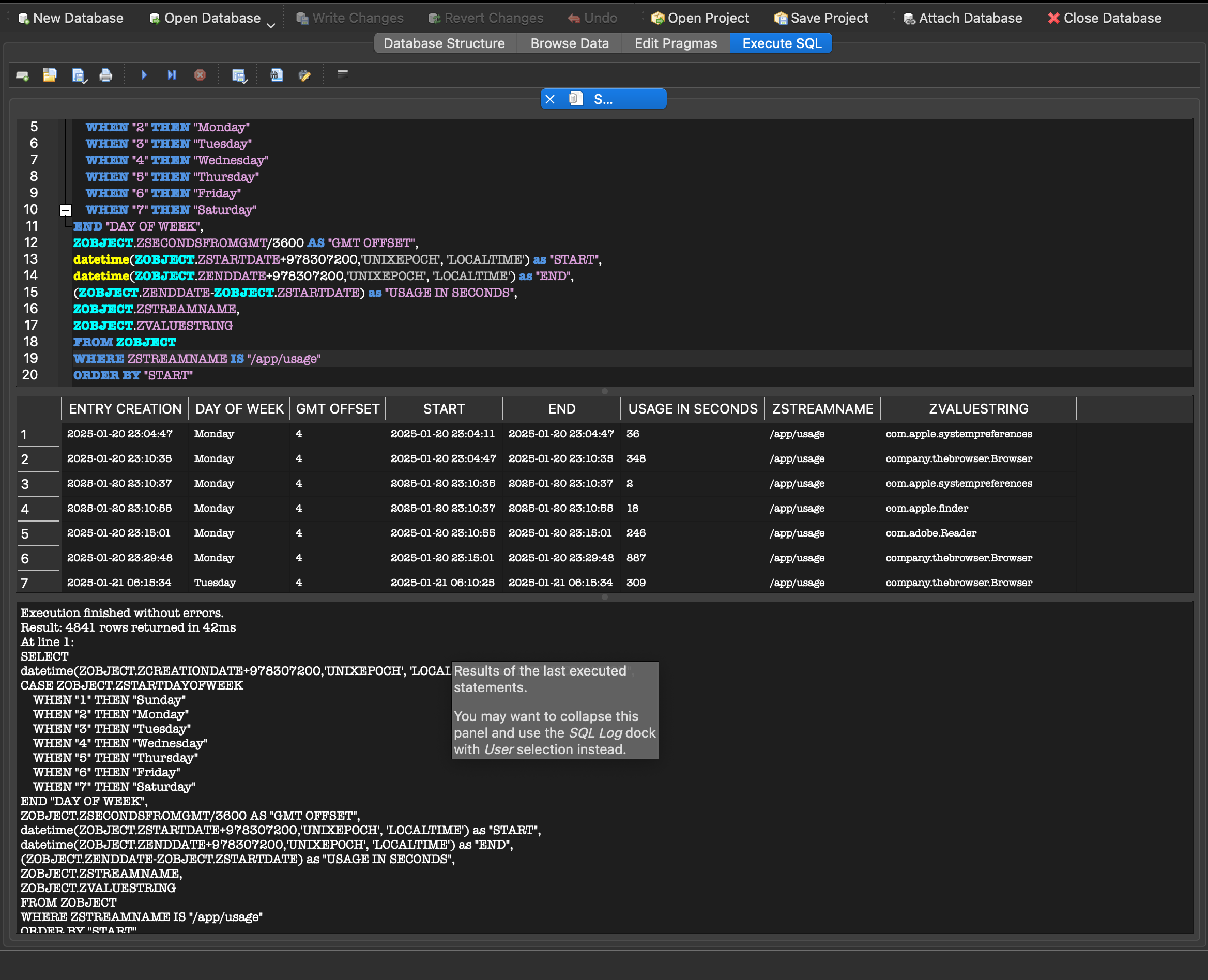
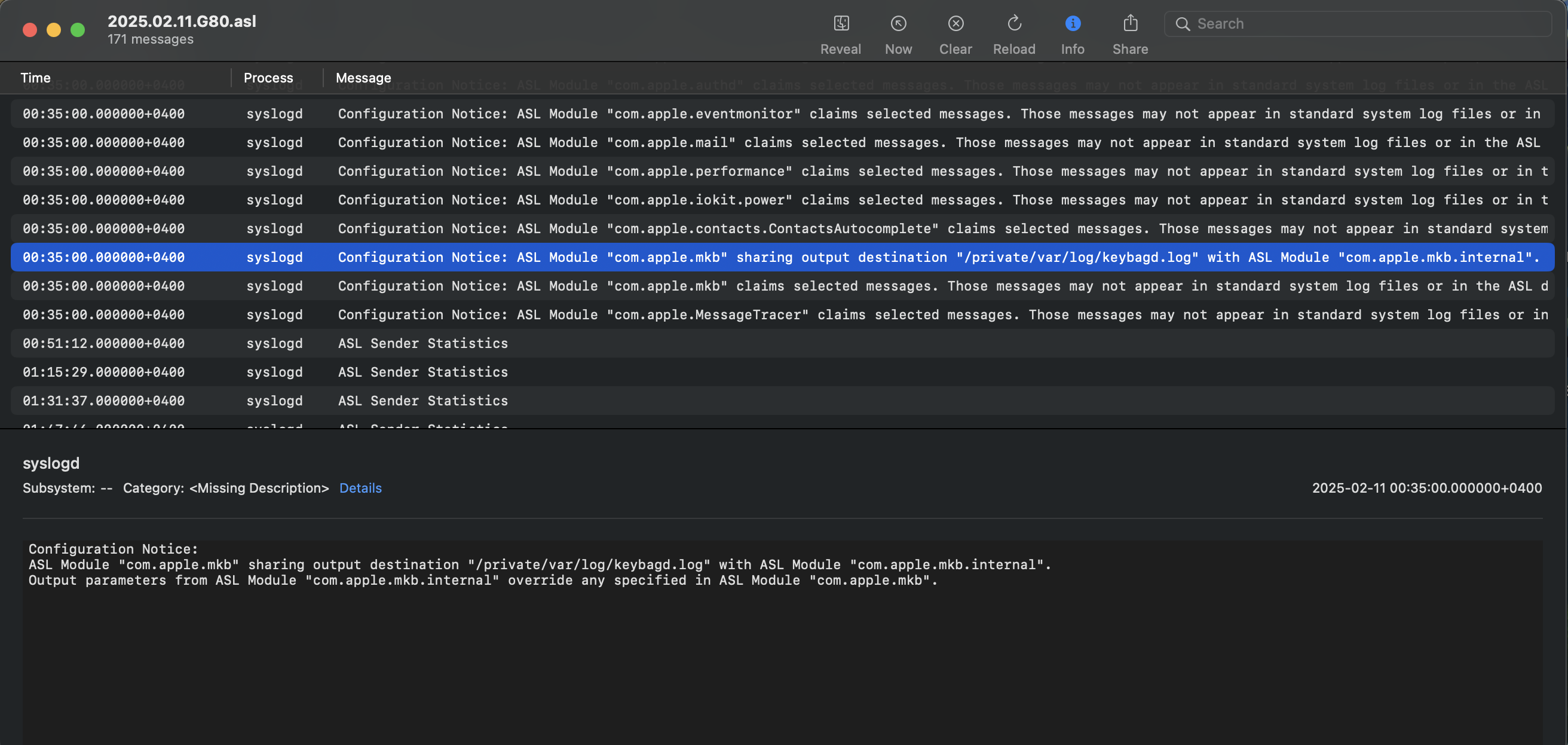
In the macOS Forensics: The Basics room, we learned some basics of macOS forensics and the challenges we might face when performing forensics on macOS. Now that we have this knowledge, we need to know what forensic artefacts are present in macOS and what value we can derive from them.
Learning Objectives
- The different forensic artefacts present in macOS.
- Where to find these artefacts?
- How can these artefacts aid in a forensic investigation?
Prerequisites
Before starting this room, it is highly recommended that the following room is completed:
Furthermore, this room requires an advanced knowledge of the Linux/Unix command line, so it is recommended to have that knowledge before continuing with this room. Throughout the room, we will discuss accessing the forensic artefacts both on a live system and on a macOS disk image in a Linux system. We will practice accessing and analysing these artefacts from a disk image using an attached Linux VM.
Machine Access
Before moving forward, please press the Start Lab Machine button to start the attached VM.
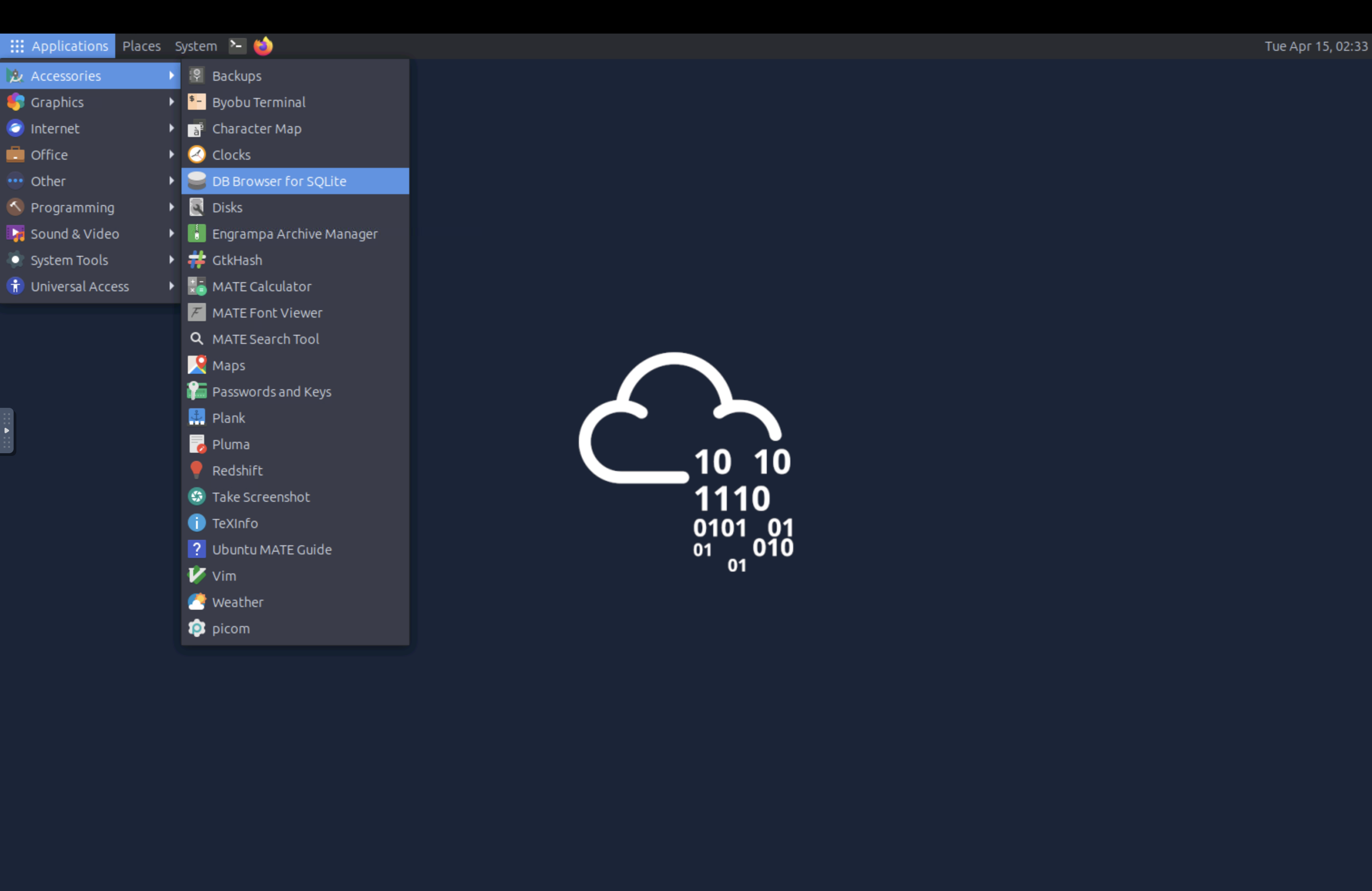
The machine will open in split view. The attached machine is a Linux machine with a macOS disk image named mac-disk.img placed in the home directory. As we learned previously, we will mount this disk image using the apfs-fuse utility and perform analysis on the image.
In the coming tasks, we will explore examples of forensic artefacts extraction on a live system and practice extracting them on an acquired disk image placed in a Linux machine. Please note that the disk image has been obtained from a purpose-built VM, and, as with all forensic investigations, not all artefacts will be present in all machines.
Answer the questions below
What command can be used to mount the image named mac-disk.img to the directory
~/macin the attached VM, making sure the Data volume is mounted?