
Back to all walkthroughs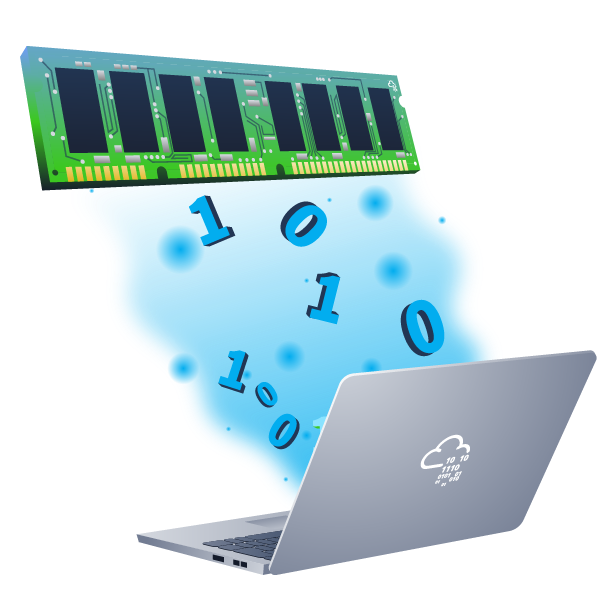


Memory Acquisition
Learn the techniques and best practices to acquire digitally sound memory.
easy
To access material, start machines and answer questions login.
Before you can analyze memory, you must acquire it. This involves copying the contents of volatile memory to non-volatile storage (The Art of Memory Forensics). The effectiveness of memory analysis hinges on the quality of the process of memory acquisition—capturing memory accurately is just as crucial as interpreting it. In this room, we will discuss all the variables that you need to consider before, during, and after memory acquisition. These variables include tooling, timing, formatting, environment, and more. You will then proceed to effectively create forensically sound memory images on Windows, , and Hypervisors.
Learning Objectives
- Create a forensically sound memory image on Windows
- Create a forensically sound memory image on Linux
- Create a forensically sound memory image on a hypervisor
- Create a forensically sound memory image in a cloud environment
- Understand and apply best practices during the process of acquisition
Room Prerequisites
Answer the questions below
Are you ready to capture memory?
Ready to learn Cyber Security?
The Memory Acquisition room is only available for Premium or Max subscribers. Signup now to access more than 500 free rooms and learn cyber security through a fun, interactive learning environment.
Already have an account? Log in