
Windows CLI Basics
Premium roomExplore what Windows CLI is, how to navigate, and interact with the system using Windows CLI.
easy
60 min
30,817

To access material, start machines and answer questions login.
In the previous Basics room, you took your first steps into the command line. Today, you're continuing your journey, but this time on Windows. Windows is one of the most widely used operating systems in workplaces worldwide. As someone interested in cyber security, you will often investigate or troubleshoot Windows machines, especially user desktops and laptops.
In this room, you'll learn how to use the Windows Command Prompt to navigate files, search for information, and gather basic system details using the same hands-on, story-driven approach as before.
From a security perspective, Windows is important because many real-world attacks and investigations involve Windows systems.
What Is the Windows Command Line?
The Command Prompt (often referred to as CMD) is a text-based interface for interacting with the Windows operating system. Instead of clicking folders and menus, you type commands to tell the system exactly what you want to do, such as listing files, moving between folders, or checking system information. It might look simple, but it's a powerful and widely used tool.
Learning Objectives
By the end of this room, you will be able to:
- Use the Windows command line confidently
- Navigate folders without clicking
- Find files when you only know their name
- Read files using the terminal
- Collect basic system and network information
Prerequisites
This room expects you to have explored the following rooms to understand better:
Storyline: Day 2 on the Job
You arrive for the second day of your internship. Your supervisor greets you with a quick update:
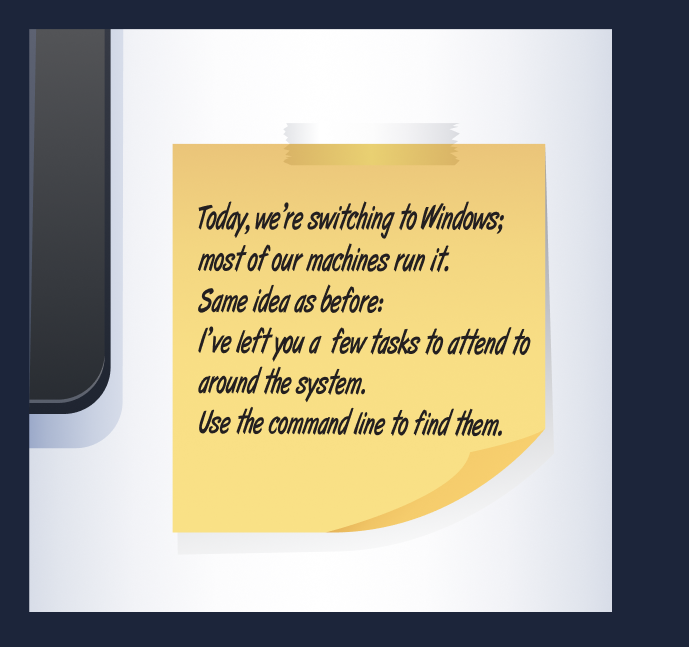
So here you are on your own for now, faced with a terminal prompt and a bit of mystery. Don't worry, though. Each step in this room will guide you through exactly what to do. You'll learn how to move around the system, read files, and gather information - the same basic skills that cyber security professionals use every day.
Ready to begin?
Continue to the next task.
Ready to learn Cyber Security?
The Windows CLI Basics room is only available for premium users. Signup now to access more than 500 free rooms and learn cyber security through a fun, interactive learning environment.
Already have an account? Log in