Task 1: Introduction
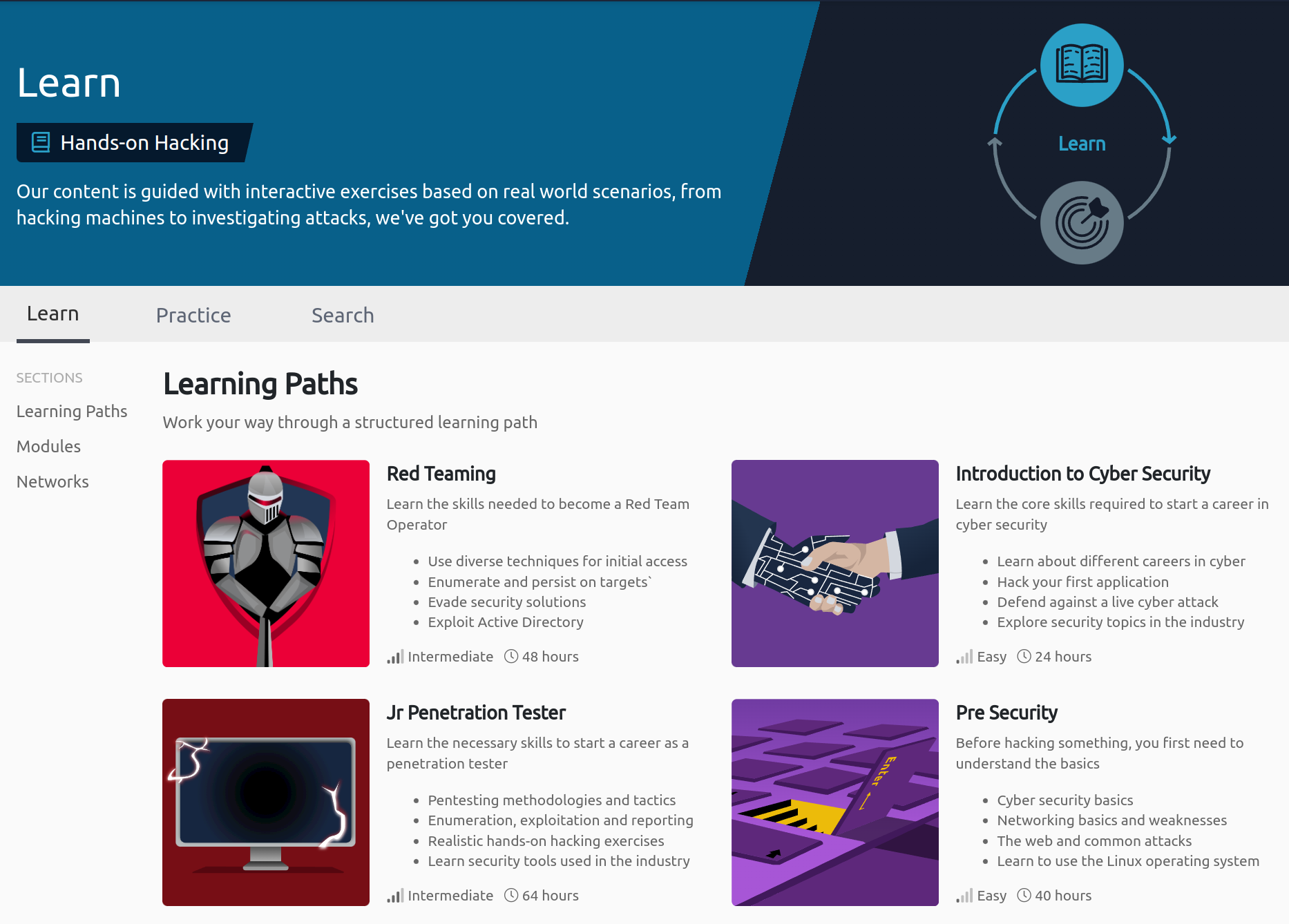
Here at TryHackMe, you can gain practical knowledge in cyber security by going through "rooms" designed to guide you in learning about a particular topic. Each room will have several questions you'll need to answer to gain points and complete.
To help familiarize yourself with how things work, your first assignment is to breach the security of a social media site called BFFs.
Learning Objectives
- Learn about rooms in THM and how to complete them
- Learn how to launch a VM and access a website it serves
- Learn how to exploit a simple vulnerability in a website
Launching the machine
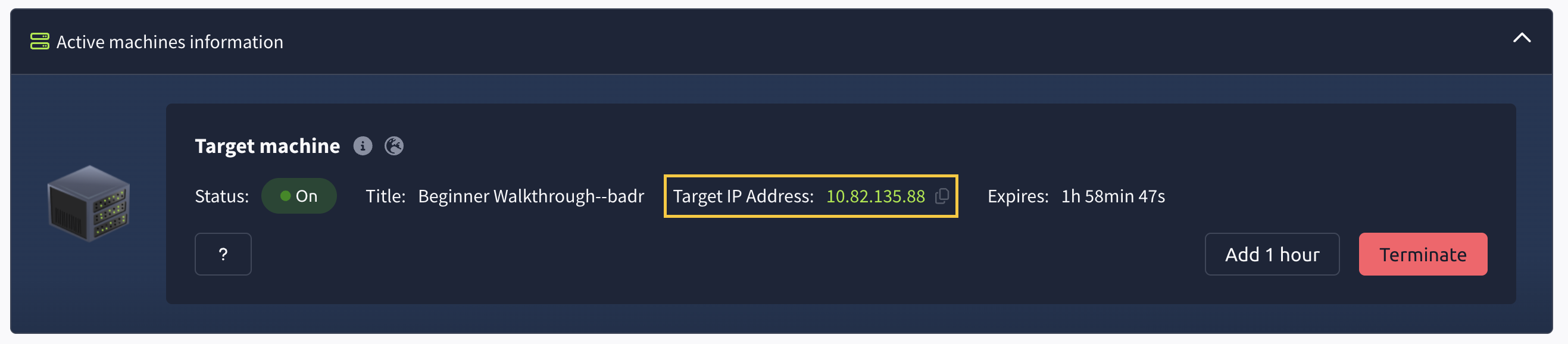
The social media site we'll attack will be hosted on a Lab Machine (VM). Start the machine by clicking on the green Start Lab Machine button above. A new section would appear on top of the page called Active Machine Information. Take note of the IP Address that appears in this section, we'll be using this later.
(The IP Address in the image above is just an example. Look for the actual IP Address at the top of this page.)
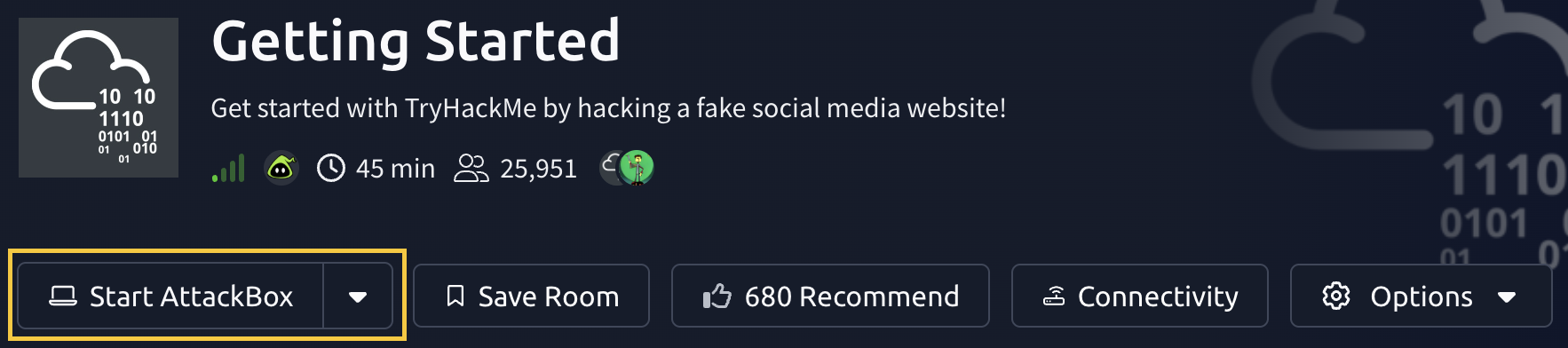
To access the site, we need to launch the AttackBox. This is another VM that contains a lot of hacking tools already installed. To launch AttackBox, click the Start AttackBox button above, or at the top of the page.
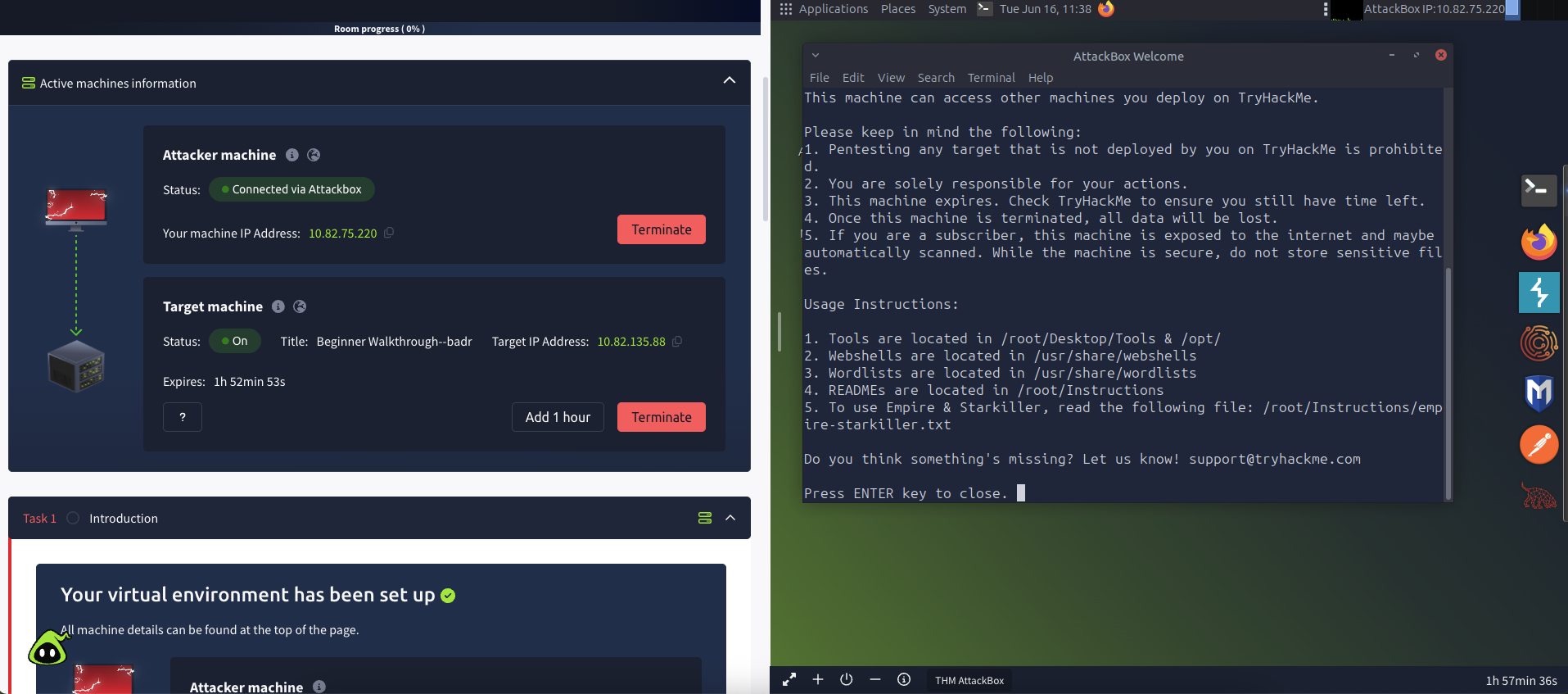
Your screen will be split in half, the other half showing your connection to the AttackBox machine.
In the AttackBox machine, open the FireFox browser by clicking its icon on the top bar. Paste the IP address previously noted and type it in the address bar. This will take us to the BFFs social media website.
Inspecting the site
It's very common for developers to leave comments about how the application works on the web page's source. Sometimes this information can include usernames, passwords and even hidden pages that users are not supposed to have access to. Let's check the page source by right-clicking on the page in the browser and selecting the view page source option, as shown below.
Go through the source and identify the comments. Comments on a web page usually begin with the <!-- character.
Answer the questions below
- What is the name of the hidden admin page?