Task 1: Introduction
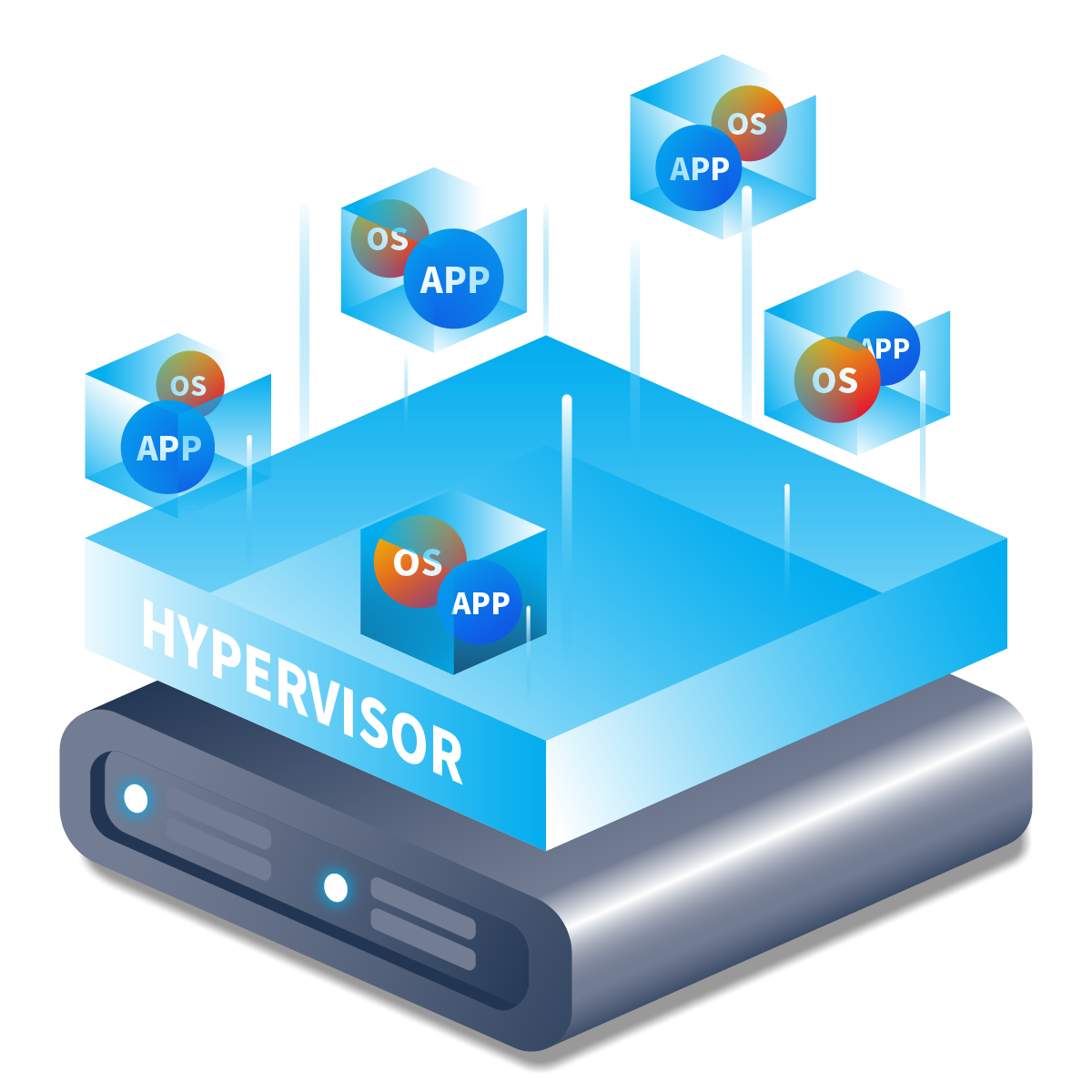
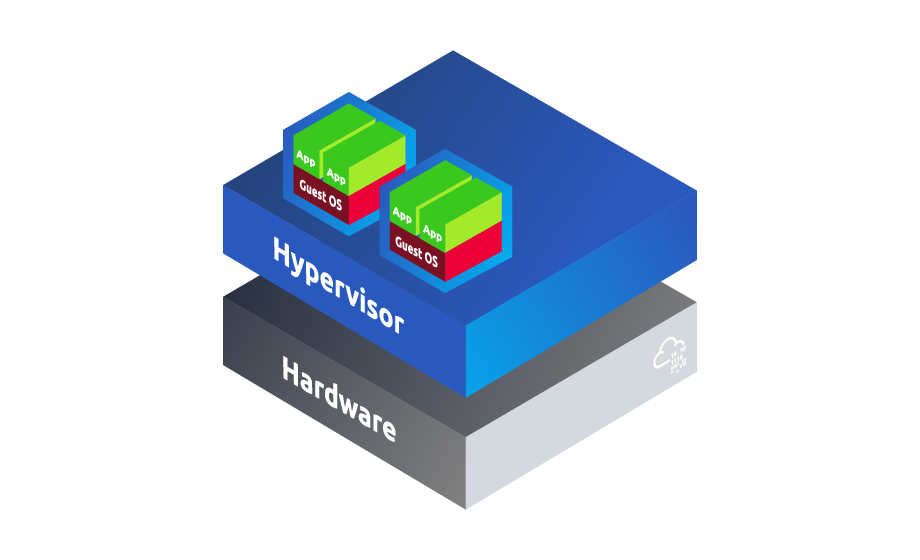
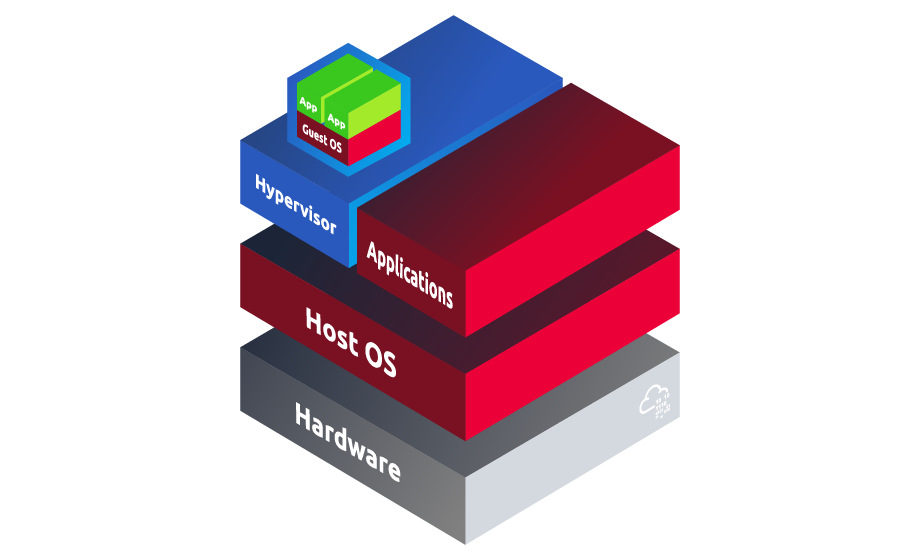
Virtualisation is the concept of creating multiple virtual environments from shared physical hardware. This is achieved by abstracting computing resources and allocating portions of these to the environment. Virtualisation allows multiple operating systems to run on a physical device, where the operating systems do not interact or conflict with each other. These multiple environments are known as Lab Machines (VMs). If you would like to learn more about the concept of virtualisation, visit the Virtualization and Containers room. Hosts that provide virtualisation are known as Hypervisors.
Hypervisors are an old concept in computing. In the 1960s, IBM released the first Hypervisor that provided full virtualisation, the CP-40. Since then, the Hypervisor landscape and virtualisation technology have become sophisticated and even form the backbone of services such as cloud computing. We will discuss this in greater detail in further tasks.
These technologies provide many benefits in a modern IT environment, including:
- Cost saving: by consolidating what would otherwise be done on multiple machines, money is saved by reducing the physical footprint (i.e. rack space), as well as saving on power and cooling costs by consolidating into one server.
- High availability: Hypervisors can be configured to "offload" their workload to another Hypervisor in case of failure. Additionally, Hypervisors typically run on powerful server hardware that often comes with redundancy, such as multiple power supplies and error-checking RAM.
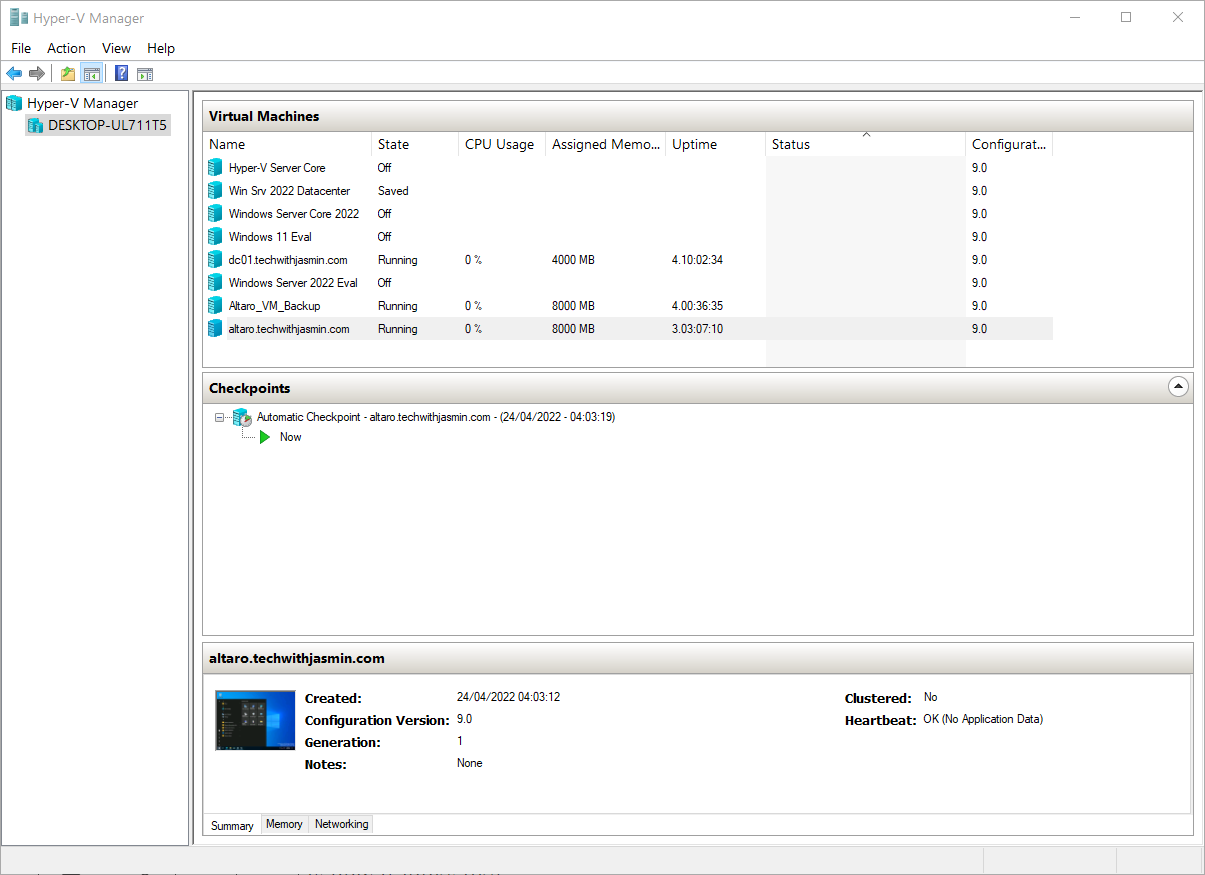
- Easier management: workloads running on a Hypervisor are managed from an admin console. For example, you can directly access the lab machine via SSH and display it through the admin console. This makes managing considerably easier than, say, 50 separate servers.
- Scalability: Hypervisors typically run on powerful computing devices. Because the resources available to a lab machine can be controlled on a granular level, lab machines can be scaled up and down depending on their usage. Moreover, Hypervisors make importing and exporting lab machines easy, such as packaging up a lab machine as an "OVA" (Open Virtual Appliance).
Learning Objectives
- Understand how Hypervisors work, their types, and why they are used
- Discover the Hypervisor landscape
- The application of Hypervisors in a cyber security context
- Become familiar with the internal components of a Hypervisor, as well as how the guest additions that are used to add features to Hypervisors can pose a security risk
With that covered, let's delve into these concepts further!
Answer the questions below
Click me to complete the task!