
Back to all walkthroughs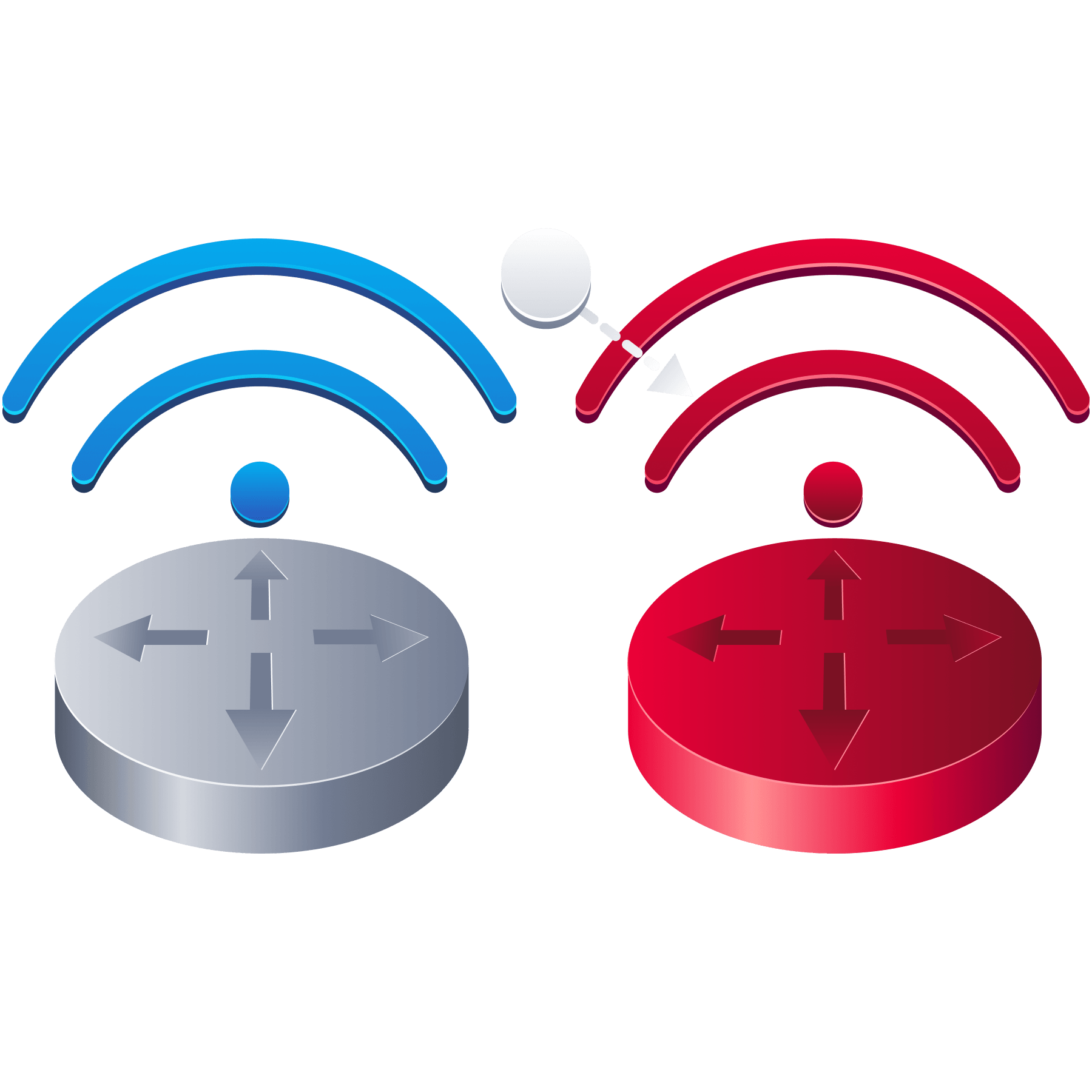

Attacking WPA3 and Rogue Access Points
Premium roomDowngrade WPA3 clients and abuse rogue access points to capture and crack Wi-Fi handshakes.
medium
To access material, start machines and answer questions login.
Every attack on a - network reduces to the same arrangement. The client proves it knows the passphrase by transmitting a value derived from it, that value is captured off the air, and candidate passphrases are then tested against the capture on the attacker's own hardware, at whatever pace that hardware allows, with no lockout and nothing recorded at the access point. The Attacking Open and WPA2-PSK Networks room applied exactly that to a captured four-way handshake. WPA3-Personal was designed to take the opportunity away.
In place of the four-way handshake, WPA3-Personal uses an exchange called SAE (Simultaneous Authentication of Equals), built on the Dragonfly key exchange, which the next task covers in full. The consequence is what frames this room: an SAE exchange leaks no value an offline cracker can test. A WPA3 client can be recorded authenticating for as long as it stays on the network, and the resulting capture is still worth nothing to a . When the offline shortcut closes, however, the attack surface does not close with it. It moves, in two directions, and neither of them breaks the cryptography.
The first direction is downgrade. A great many WPA3 deployments run in a transition mode that continues to speak WPA2 so that older devices can still join, and a client willing to speak WPA2 can be pushed back down onto the crackable handshake it was supposed to have left behind. The second direction is trust. The Wi-Fi Fundamentals and Reconnaissance room showed clients broadcasting probe requests naming networks they had joined before, which amounts to announcing in advance which access points they will accept on sight. An access point that answers to one of those names is, as far as the client is concerned, the network it was looking for. That is a rogue access point, and against a probing client it works whether the real network runs WPA2 or WPA3.
The downgrade depends on a client being moved off the network it is currently using, so it is blunted by Management Frame Protection (802.11w), which is examined later in the room alongside the reason it still succeeds where it does. The rogue access point needs no such eviction, and nothing at the radio layer answers a station that trusts a name. The scope here is WPA3-Personal, the shared-passphrase configuration a home or small office runs. The WPA2 and WPA3-Enterprise deployments that authenticate each user separately are the subject of the Attacking Enterprise Wi-Fi room that follows.
Learning Objectives
- Explain how SAE replaces the WPA2 four-way handshake and why it resists offline dictionary attacks.
- Demonstrate that a captured SAE handshake cannot be cracked offline.
- Run a downgrade attack against a WPA3 transition-mode network to recover its passphrase over WPA2.
- Stand up a rogue access point that lures a probing client and captures the handshake it offers.
- Build a captive-portal twin out of its four separate services and watch a real station's own connectivity check fetch the forged page.
- Explain how Management Frame Protection (802.11w) defeats the deauthentication frame the downgrade attack relies on.
- Flood an SAE authenticator with forged commit frames, measure what it costs the access point, and say precisely what the attack does and does not achieve.
Prerequisites
- Basic commands (Linux Fundamentals room)
- Monitor mode and
airodump-ngcaptures (Wi-Fi Fundamentals and Reconnaissance room) - Deauthenticating a client, cracking its WPA2 handshake and joining with
wpa_supplicant(Attacking Open and WPA2-PSK Networks room)
Machine Access
Start the lab by clicking the Start Machine button below. The machine takes a couple of minutes to boot and then appears in Split View in your browser. For convenience, you can use the expand button in the bottom-left corner of Split View to open the VM in full-screen mode. No login is required, as the session opens directly onto the desktop, already authenticated as the user account. If you would rather work from your own machine than in the browser, the same account is reachable over SSH with the credentials below, using the ssh user@MACHINE_IP command shown on the card.
Set up your virtual environment
To successfully complete this room, you'll need to set up your virtual environment. This involves starting the Lab Machine, ensuring you're equipped with the necessary tools and access to tackle the challenges ahead.

Lab machine
Status:Off
Credentials for the lab machine are below:
Credentials
Username
user
Password
user
IP address
MACHINE_IP
Connection via
ssh user@MACHINE_IP
Confirming the Wireless Interfaces
Open a Terminal on the machine and confirm that the wireless interfaces are present:
Terminal
user@debian-thm:~$ sudo iw devSeveral wlan interfaces are listed, numbered from wlan0 upward. These are the radios used to observe the networks in the lab and to attack them. Most of the tooling requires root privileges, so commands are prefixed with sudo; the password, where prompted, is user.
The attacks in this room run from a card in monitor mode, so create the monitor interface before you begin:
Terminal
user@debian-thm:~$ sudo airmon-ng check kill
user@debian-thm:~$ sudo airmon-ng start wlan0
airmon-ng check kill is not optional here, and it matters for more than the monitor interface. NetworkManager manages every wireless radio on the machine, so when it is left running it will reclaim the managed radio moments after wpa_supplicant associates with a network. The association appears to succeed, wpa_supplicant reports no error, and then iw dev wlan1 link reads Not connected and every DHCPDISCOVER goes unanswered. Stopping it first avoids that, and it has to come first because the command also stops any wpa_supplicant already running.
That gives you wlan0mon, the interface every capture and injection command in this room expects. Three managed radios stay free alongside it. wlan2 broadcasts the rogue access point in the later tasks, wlan1 associates with the genuine network once its passphrase is known, and wlan5 carries the captive-portal twin, which needs a radio of its own because the station it steals stays associated with it for the whole of that task.
Answer the questions below
Deploy the machine and read through the introduction, then continue to the next task when you are ready.
Ready to learn Cyber Security?
The Attacking WPA3 and Rogue Access Points room is only available for Premium or Max subscribers. Signup now to access more than 500 free rooms and learn cyber security through a fun, interactive learning environment.
Already have an account? Log in