

Passwords - A Cracking Christmas
Learn how to crack password-based encrypted files.
easy

To access material, start machines and answer questions login.
The Story

With time between Easter and Christmas being destabilised, the once-quiet systems of The Best Festival Company began showing traces of encrypted data buried deep within their servers. Sir Carrotbane, stumbled upon a series of locked PDF and ZIP files labelled “North Pole Asset List.” Rumours spread that these could contain fragments of Santa’s master gift registry, critical information that could help Malhare control the festive balance between both worlds.
Sir Carrotbane sets out to crack the encryption, learning how weak passwords can expose even the most guarded secrets. Can the Elves adapt fast and prevent their secrets from being discovered?
Learning Objectives
- How password-based encryption protects files such as PDFs and ZIP archives.
- Why weak passwords make encrypted files vulnerable.
- How attackers use dictionary and brute-force attacks to recover passwords.
- A hands-on exercise: cracking the password of an encrypted file to reveal its contents.
- The importance of using strong, complex passwords to defend against these attacks.
A few simple points to remember:
- The strength of protection depends almost entirely on the password. Short or common passwords can be guessed; long, random passwords are far harder to break.
- Different file formats use different algorithms and key derivation methods. For example, PDF encryption and ZIP encryption differ in details (how the key is derived, salt use, number of hash iterations). That affects how easy or hard cracking is.
- Many consumer tools still support legacy or weak modes (particularly older ZIP encryption). That makes some encrypted archives much easier to attack than modern, well-implemented schemes.
- Encryption protects data confidentiality only. It does not prevent someone with access to the encrypted file from trying to guess the password offline.
To make it simple, encryption makes the contents unreadable unless the correct password is known. If the password is weak, an attacker can simply try likely passwords until one works.
Connecting to the Machine
Before moving forward, review the questions in the connection card shown below:
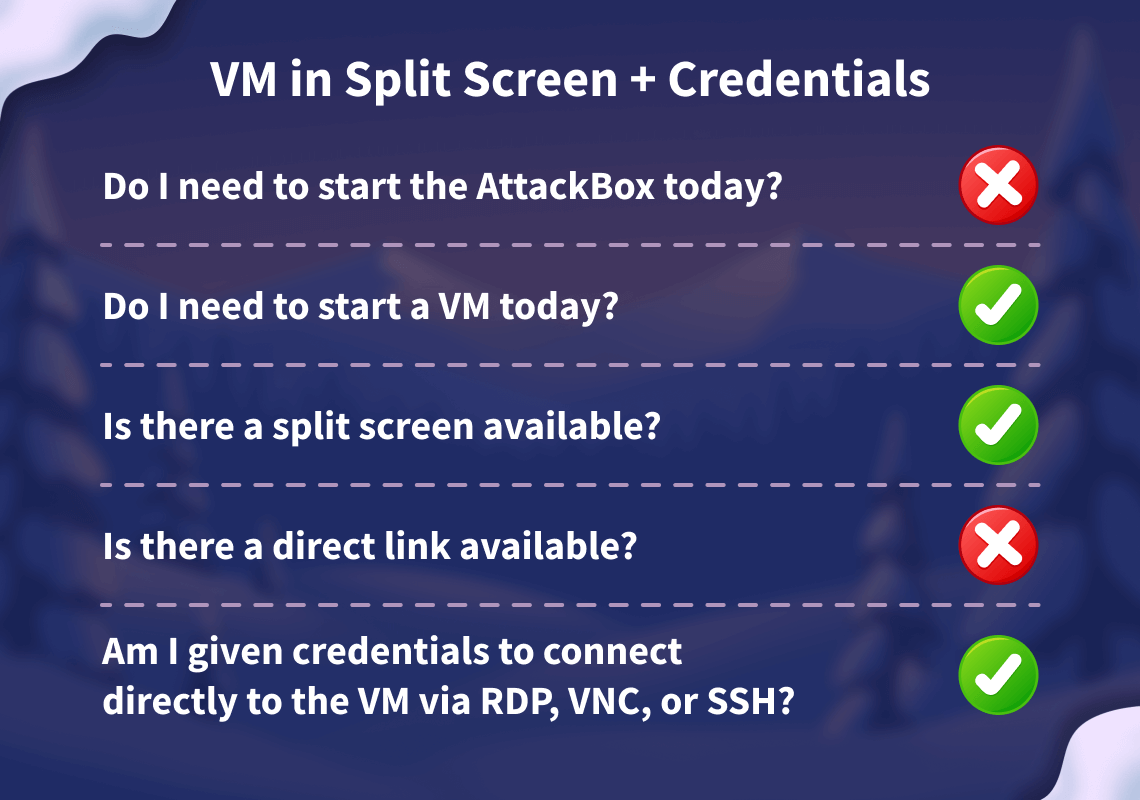
Start your lab machine by clicking the Start Lab Machine button below. The machine will need about 2 minutes to fully boot. In case you can not see it, click the Show Split View button at the top of the page.
Set up your virtual environment

Alternatively, you can use the credentials below to connect to the lab machine via from your own connected machine:
Credentials
Only needed if you are using your own THM VPN connected machine.
I have successfully started the lab machine in split view, or connected via the THM VPN and SSH!
How Attackers Recover Weak Passwords
Attackers don't usually try to "break" the encryption itself because that would take far too long with modern cryptography. Instead, they focus on guessing the password that protects the file. The two most common ways of doing this are dictionary attacks and brute-force (or mask) attacks.
Dictionary Attacks
In a dictionary attack, the attacker uses a predefined list of potential passwords, known as a , and tests each one until the correct password is found. These wordlists often contain leaked passwords from previous breaches, common substitutions like password123, predictable combinations of names and dates, and other patterns that people frequently use. Because many users choose weak or common passwords, dictionary attacks are usually fast and highly effective.
Mask Attacks
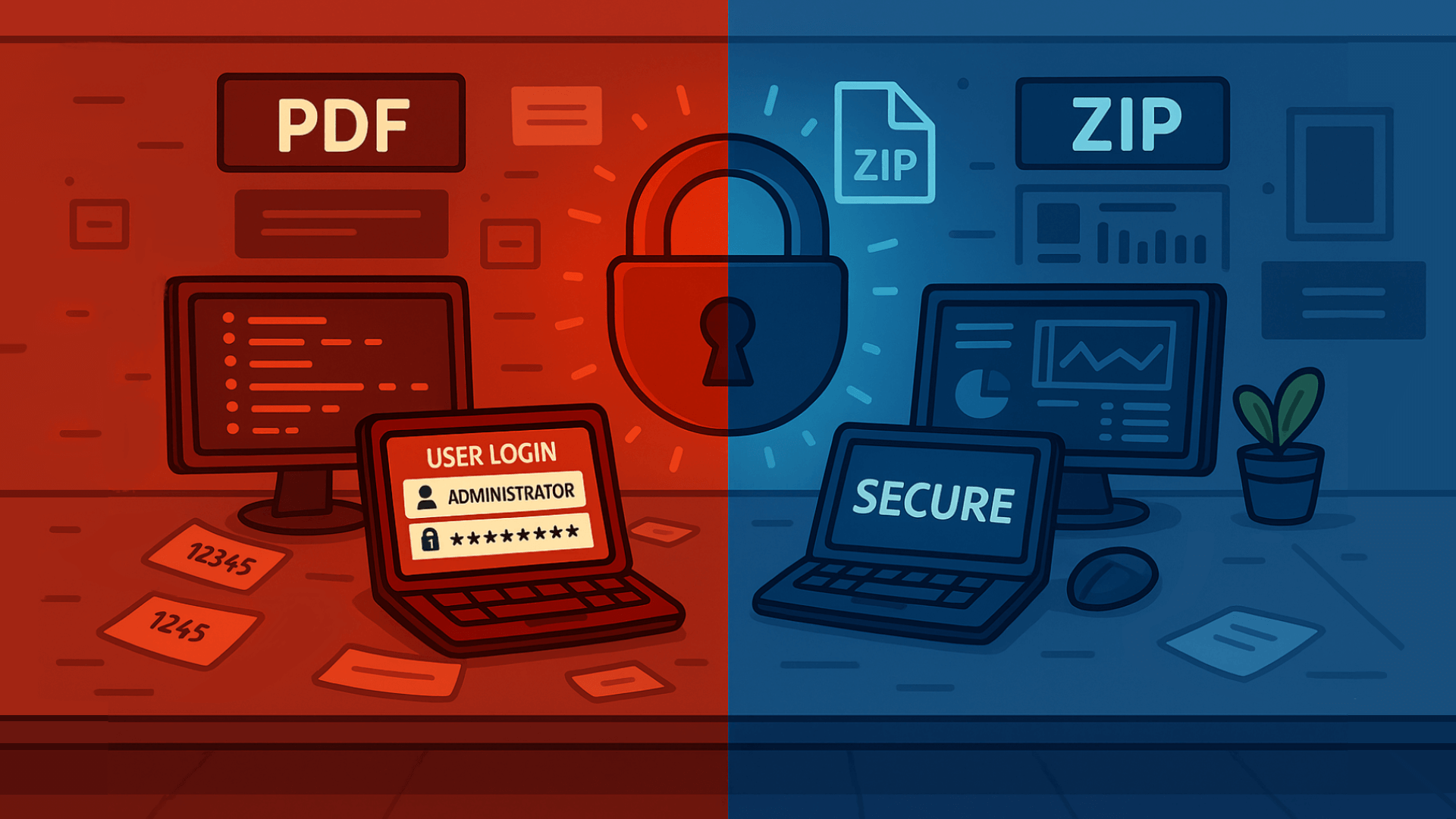 Brute-force and mask attacks go one step further. A brute-force attack systematically tries every possible combination of characters until it finds the right one. While this guarantees success eventually, the time it takes grows exponentially with the length and complexity of the password.
Mask attacks aim to reduce that time by limiting guesses to a specific format. For example, trying all combinations of three lowercase letters followed by two digits.
By narrowing the search space, mask attacks strike a balance between speed and thoroughness, especially when the attacker has some idea of how the password might be structured.
Practical tips attackers use (and defenders should know about):
- Start with a wordlist (fast wins). Common lists:
rockyou.txt,common-passwords.txt. - If the wordlist fails, move to targeted wordlists (company names, project names, or data from the target).
- If that fails, try mask or incremental attacks on short passwords (e.g.
?l?l?l?d?d= three lowercase letters + two digits, which is used as a password mask format by password cracking tools). - Use GPU-accelerated cracking when possible; it dramatically speeds up attacks for some algorithms.
- Keep an eye on resource use: cracking is CPU/GPU intensive. That behaviour can be detected on a monitored endpoint.
Exercise
You will find the files for this section in the Desktop directory of the machine. Switch to it by running cd Desktop in your terminal.
1. Confirm the File Type
Use the file command or open the file with a hex viewer. This helps pick the right tool.
      ubuntu@tryhackme:~/Desktop$ file flag.pdf
      ubuntu@tryhackme:~/Desktop$ file flag.zip
If it's a PDF, proceed with PDF tools. If it's a ZIP, proceed with ZIP tools.
2. Tools to Use (pick one based on file type)
- PDF:
pdfcrack,john(viapdf2john) - ZIP:
fcrackzip,john(viazip2john) - General:
john(very flexible) andhashcat(GPU acceleration, more advanced)
3. Try a Dictionary Attack First (fast, often successful)
Example: PDF with pdfcrack and rockyou.txt:
ubuntu@tryhackme
Example: using john
- Create a hash that John can understand:
zip2john flag.zip > ziphash.txt
ubuntu@tryhackme:~/Desktop$ zip2john flag.zip > ziphash.txt
- John will report the recovered password if it finds one.
                        ubuntu@tryhackme:~/Desktop$ john --wordlist=/usr/share/wordlists/rockyou.txt ziphash.txt
Using default input encoding: UTF-8
Loaded 1 password hash (ZIP, WinZip [PBKDF2-SHA1 128/128 AVX 4x])
Cost 1 (HMAC size) is 29 for all loaded hashes
Will run 2 OpenMP threads
Press 'q' or Ctrl-C to abort, almost any other key for status
XXXXXXXXXXX      (flag.zip/flag.txt)
1g 0:00:02:12 DONE (2025-10-03 08:26) 0.007552g/s 20696p/s 20696c/s 20696C/s winternights..wine23
Use the "--show" option to display all of the cracked passwords reliably
Session completed.
Detection of Indicators and Telemetry
Offline cracking does not hit login services, so lockouts and failed logon dashboards stay quiet. We can detect the work where it runs, on endpoints and jump boxes. The important signals to monitor include:
Process creation: Password cracking has a small set of well-known binaries and command patterns that we can look out for. A mix of process events, file activity, GPU signals, and network touches tied to tooling and wordlists. Our goal is to make the activity obvious without drowning in noise.
- Binaries and aliases:
john,hashcat,fcrackzip,pdfcrack,zip2john,pdf2john.pl,7z,qpdf,unzip,7za,perlinvokingpdf2john.pl. - Command‑line traits:
--wordlist,-w,--rules,--mask,-a 3,-min Hashcat, references torockyou.txt,SecLists,zip2john,pdf2john. - Potfiles and state:
~/.john/john.pot,.hashcat/hashcat.potfile,john.rec.
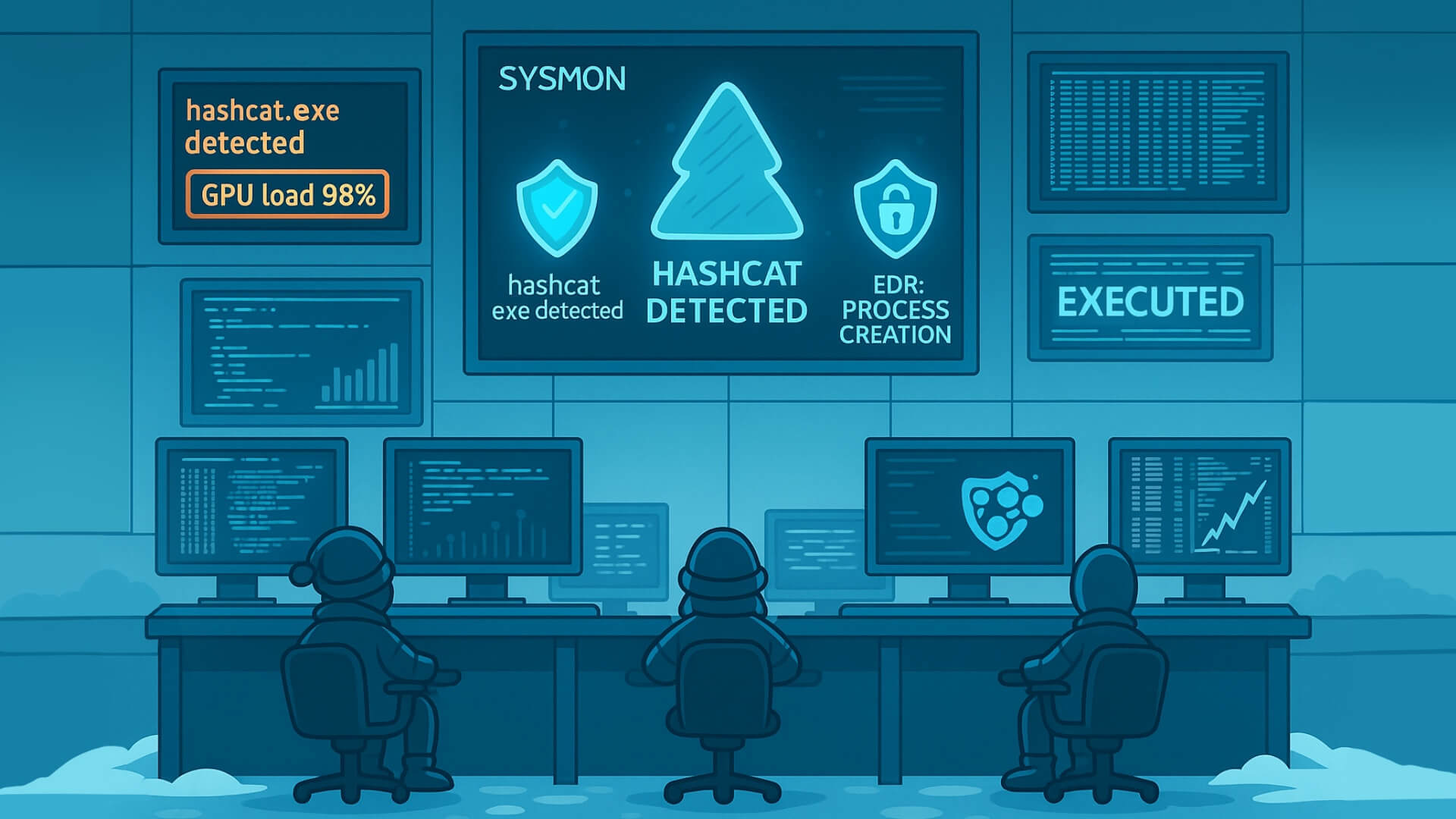 It's worth noting that on Windows systems, Sysmon Event ID 1 captures process creation with full command line properties, while on Linux,
 auditd, execve, or EDR sensors capture binaries and arguments.
GPU and Resource Artefacts
GPU cracking is loud. Sudden high utilisation on hosts can be picked up and would need to be investigated.
nvidia-smishows long‑running processes namedhashcatorjohn.- High, steady GPU utilisation and power draw while the fan curve spikes.
- Libraries loaded:
nvcuda.dll,OpenCL.dll,libcuda.so,amdocl64.dll.
Network Hints, Light but Useful
Offline cracking does not need the network once wordlists are present. Yet most operators fetch lists and tools first.
- Downloads of large text files named
rockyou.txt, or Git clones of popular wordlist repos. - Package installs, for example
apt install john hashcat, detected by EDR package telemetry. - Tool updates and driver fetches for GPU runtimes.
Unusual File Reads
Repeated reads of files such as wordlists or encrypted files would need analysis.
Detections
Below are some examples of detection rules and hunting queries we can put to use across various environments.
Sysmon:
(ProcessName="C:\Program Files\john\john.exe" OR
 ProcessName="C:\Tools\hashcat\hashcat.exe" OR
 CommandLine="*pdf2john.pl*" OR
 CommandLine="*zip2john*")
Linux audit rules, temporary for an investigation:
auditctl -w /usr/share/wordlists/rockyou.txt -p r -k wordlists_read
auditctl -a always,exit -F arch=b64 -S execve -F exe=/usr/bin/john -k crack_exec
auditctl -a always,exit -F arch=b64 -S execve -F exe=/usr/bin/hashcat -k crack_exec
Sigma style rule, Windows process create for cracking tools:
title: Password Cracking Tools Execution
id: 9f2f4d3e-4c16-4b0a-bb3a-7b1c6c001234
status: experimental
logsource:
  product: windows
  category: process_creation
detection:
  selection_name:
    Image|endswith:
      - '\john.exe'
      - '\hashcat.exe'
      - '\fcrackzip.exe'
      - '\pdfcrack.exe'
      - '\7z.exe'
      - '\qpdf.exe'
  selection_cmd:
    CommandLine|contains:
      - '--wordlist'
      - 'rockyou.txt'
      - 'zip2john'
      - 'pdf2john'
      - '--mask'
      - ' -a 3'
  condition: selection_name or selection_cmd
level: medium
Response Playbook
As security analysts in Wareville, it is important to have a playbook to follow when such incidents occur. The immediate actions to take are:
- Isolate the host if malicious activity is detected. If it is a lab, tag and suppress.
- Capture triage artefacts such as process list, process memory dump,
nvidia-smisample output, open files, and the encrypted file. - Preserve the working directory, wordlists, hash files, and shell history.
- Review which files were decrypted. Search for follow‑on access, lateral movement or exfiltration.
- Identify the origin and intent of the activity. Was this authorised? If not, escalate to the team.
- Remediate the activity, rotate affected keys and passwords, and enforce for accounts.
- Close with education and correct placement of tools into approved sandboxes.
What is the flag inside the encrypted PDF?
What is the flag inside the encrypted zip file?
For those who want another challenge, have a look around the VM to get access to the key for Side Quest 2! Accessible through our Side Quest Hub!
If you enjoyed this task, feel free to check out the Password Attacks room.
Ready to learn Cyber Security?
TryHackMe provides free online cyber security training to secure jobs & upskill through a fun, interactive learning environment.
Already have an account? Log in