Task 1: Introduction
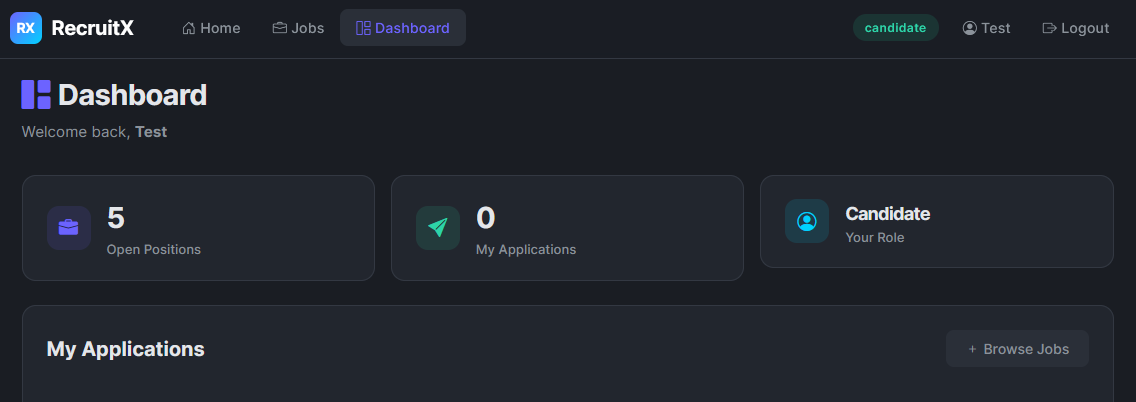
Imagine you have been hired as a penetration tester. Your client runs a small web application called RecruitX, an internal recruitment portal where hiring managers post job listings, candidates submit applications, and administrators manage the entire workflow. The client suspects the application has security issues, but does not know where. Your job is to find out.
This room will guide you through a realistic web application penetration test from start to finish. You will not be dropped into a machine and told to "find the flags." Instead, each task walks you through a phase of the engagement, explaining what to do, why you are doing it, and what to look for. By the end, you will have moved from knowing nothing about the target to achieving remote code execution on the underlying server.
Learning Objectives
The engagement follows this path:
- Reconnaissance and enumeration - Discover what the application exposes
- Insecure Direct Object Reference (IDOR) - Access data belonging to other users
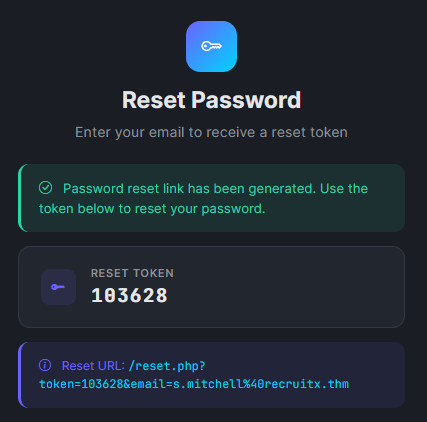
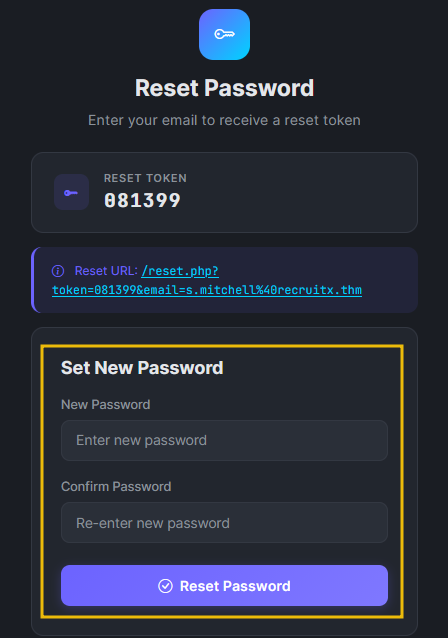
- Weak password reset - Take over an account through a flawed reset mechanism
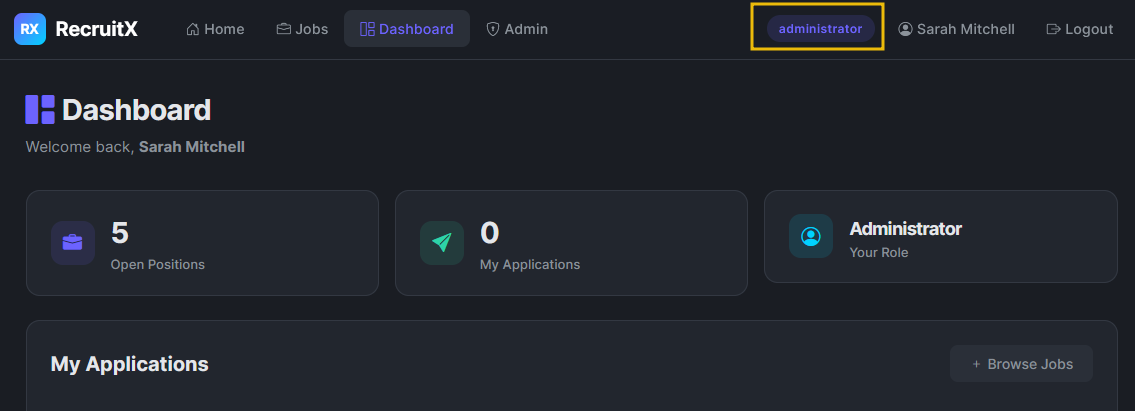
- Admin panel access - Escalate from a regular user to an administrator
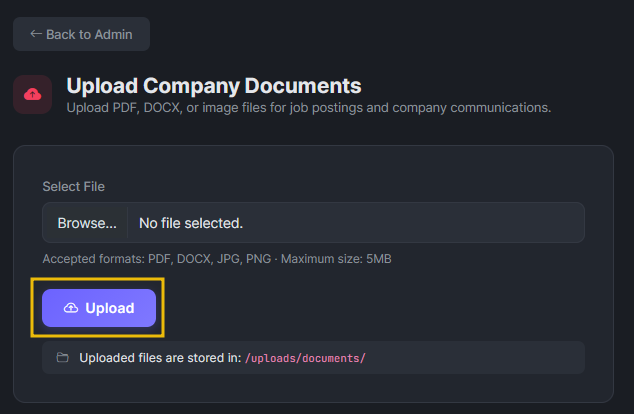
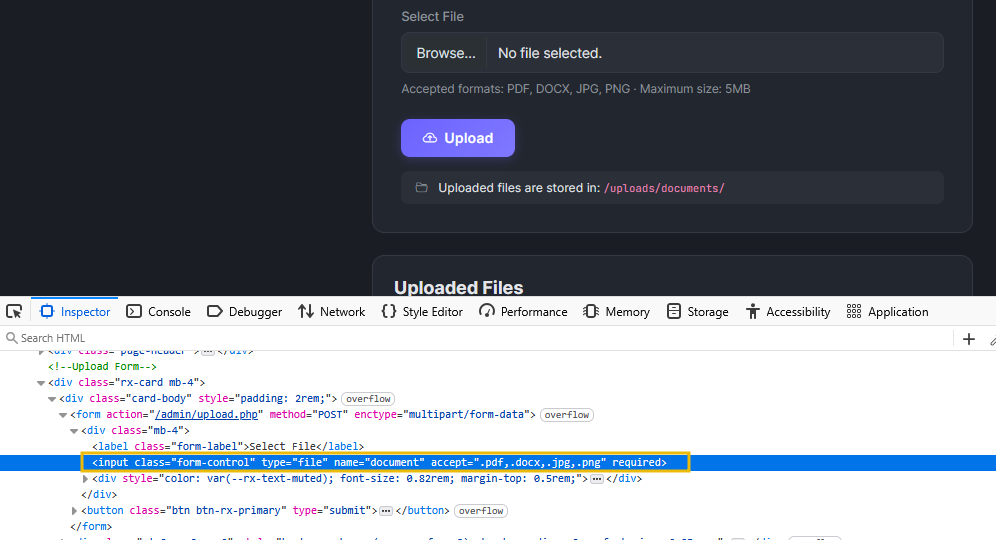
- Remote code execution - Leverage admin functionality to execute commands on the server
Each vulnerability builds on the information gathered in the previous step. This is how real-world penetration tests work; you rarely find a single critical flaw sitting in the open. Instead, you chain smaller weaknesses together until they add up to something significant.
Prerequisites
Connecting to the Machine
Click the Start Machine below, and the target machine will be accessible at MACHINE_IP. The RecruitX application runs on port 80. Give the machine two minutes to fully boot before beginning.
You will also need the AttackBox or your own machine connected to the TryHackMe VPN. If you are using the AttackBox, click Start AttackBox below to start it.
Answer the questions below
I can access the RecruitX web app.





 The server rejected the