

CryptoCabana
He never signed the transfer. The place he stashed his secret wasn't as sealed as promised.
medium

To access material, start machines and answer questions login.
Azure
To solve this challenge, you'll need the Azure CLI installed on your device. If you'd rather work from your own workstation instead of the provided environment, here's how to get it set up:
- Windows: Install the Azure CLI on Windows
- : Install the Azure CLI on Linux
- macOS: Install the Azure CLI on macOS
Once installed, verify it's working with az --version.
Azure CLI via Azure Cloud Shell
Alternatively, you may press the Cloud Details button below to generate your Azure Portal credentials.
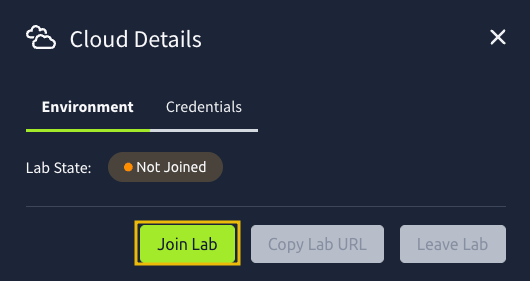
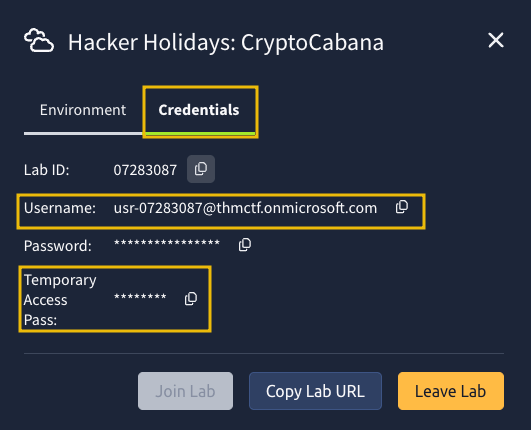
Once done, get the Username (email) and Temporary Access Pass, and log in to the Azure Portal.
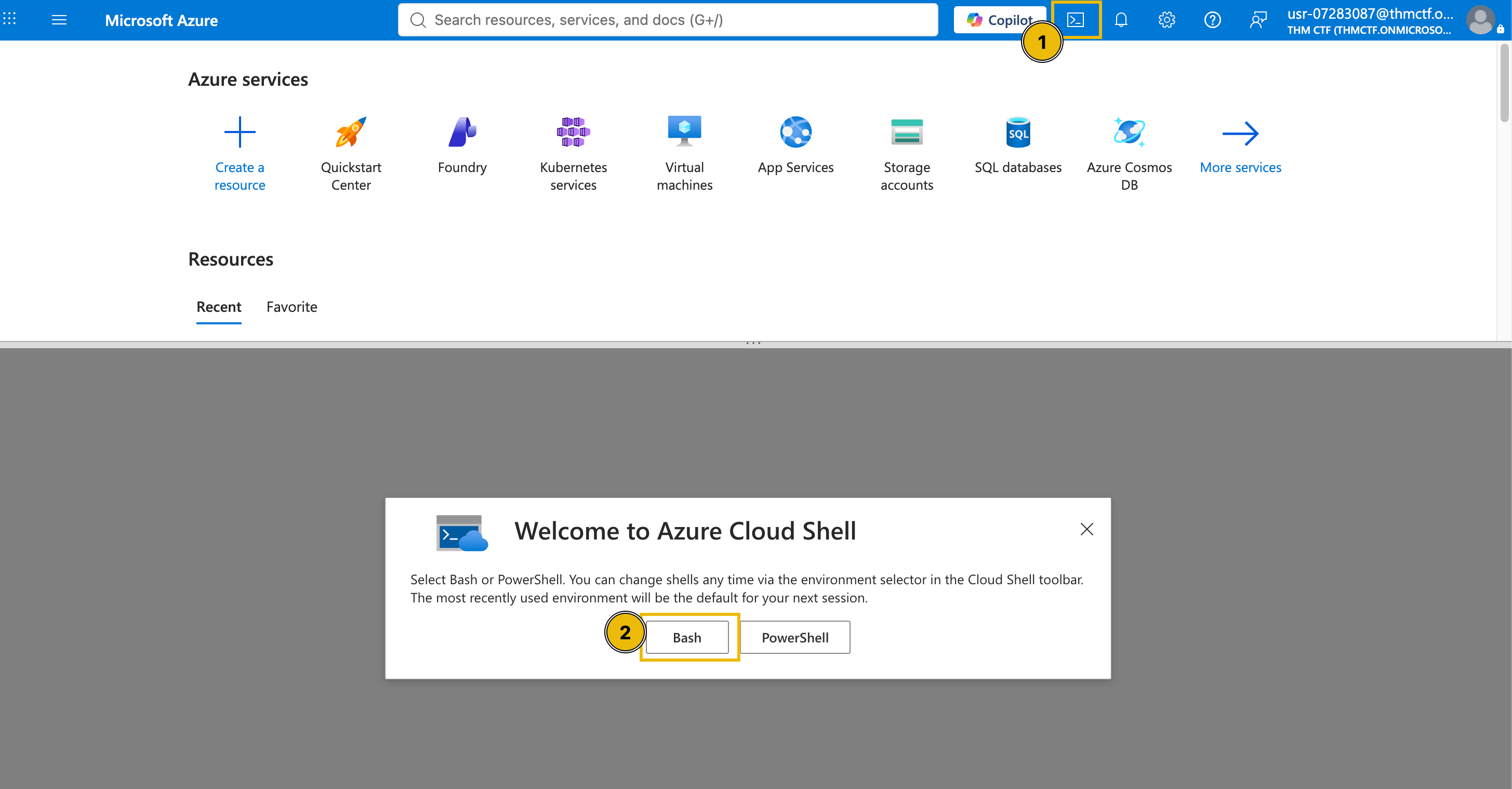
Once logged in, open the Cloud Shell and select Bash.
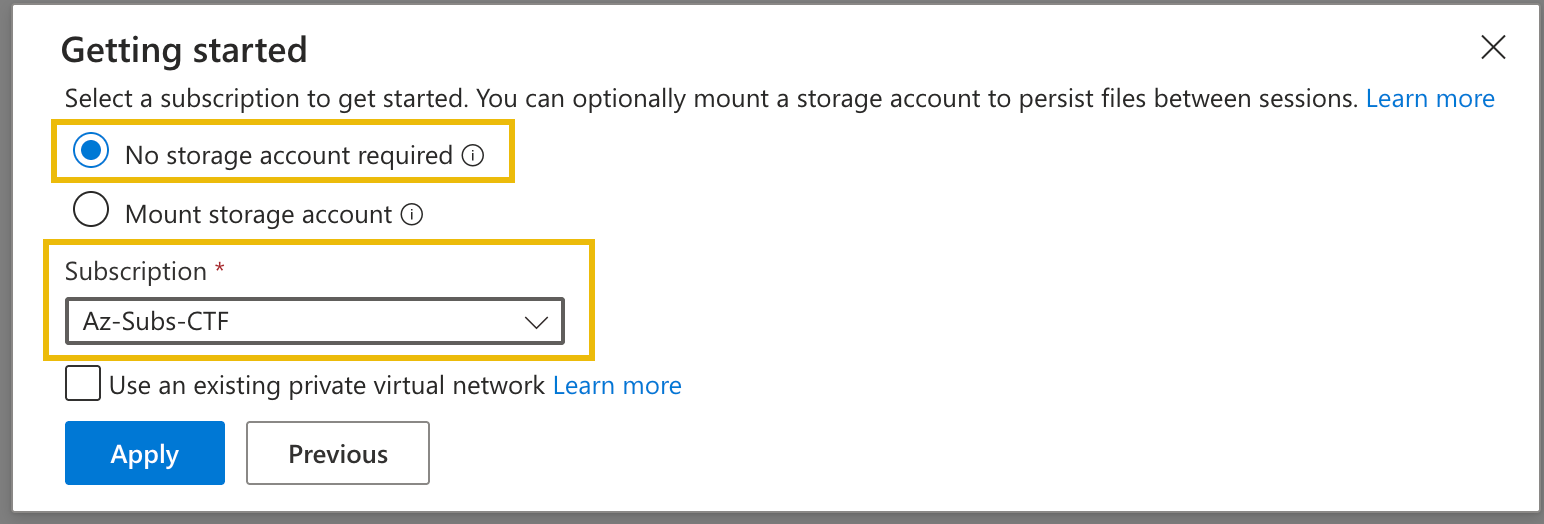
Then, select No storage account required and choose Az-Subs-CTF for the subscription.
Lastly, execute the command below to validate your shell access.
az account show
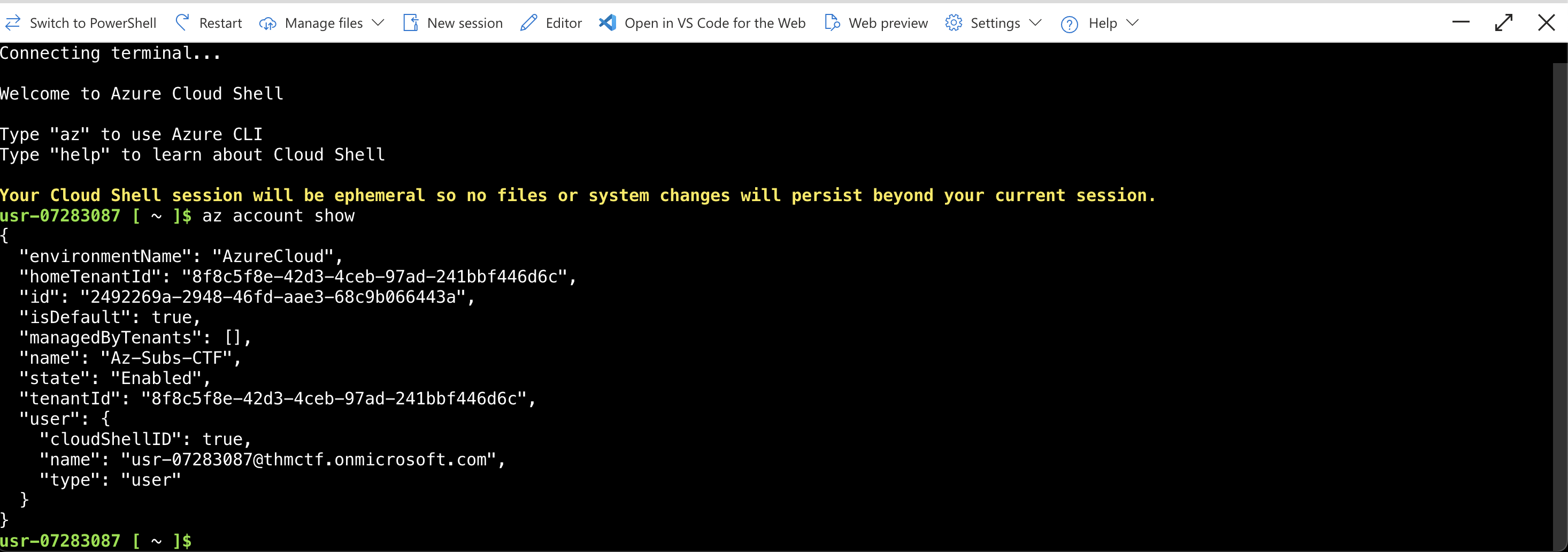
You are now ready to solve today's challenge. Good luck and have fun!
By the time he made it back from the breakfast buffet, his wallet had already moved on without him. The transaction was signed, properly signed, just not by him.
He'd backed his seed phrase up weeks ago, into the CryptoCabana kiosk's vault — the one whose landing page promised, in exactly four words, “Backed up. Sleep easy.” Somewhere between that promise and this morning, something else got a good look at what was supposed to stay behind glass.
Your objective: find out what the kiosk is quietly trusting to reach into storage on its own, and see how much further that trust actually extends.
"the backup kiosk is SO confident. 'sleep easy' it says 💀 reader, do not sleep easy. also: if a value looks freshly rotated, ask yourself what it looked like five minutes before that 👀"
What is the flag?
Ready to learn Cyber Security?
TryHackMe provides free online cyber security training to secure jobs & upskill through a fun, interactive learning environment.
Already have an account? Log in