Task 1: Connect
Connect to the TryHackMe network! Please note that this machine does not respond to ping (ICMP) and may take a few minutes to boot up.
-----------------------------------------
The lab machine used in this room (Ice) can be downloaded for offline usage from https://darkstar7471.com/resources.html. The sequel to this room, Blaster, can be found here.
Answer the questions below
Connect to our network using OpenVPN. Here is a mini walkthrough of connecting:
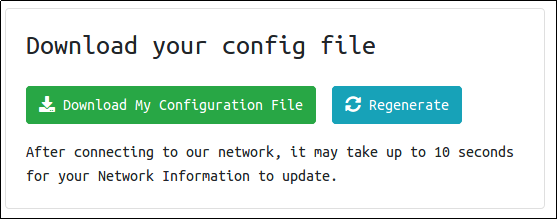
Go to your access page and download your configuration file.
Use an OpenVPN client to connect. In my example I am on Linux, on the access page we have a windows tutorial.
(change "ben.ovpn" to your config file)
When you run this you see lots of text, at the end it will say Initialization Sequence Completed
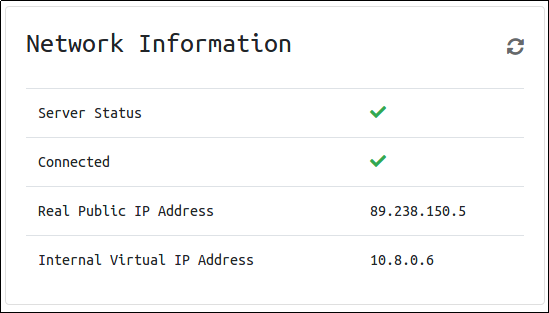
You can verify you are connected by looking on your access page. Refresh the page
You should see a green tick next to Connected. It will also show you your internal IP address.
You are now ready to use our machines on our network!
Now when you deploy material, you will see an internal IP address of your Lab Machine.


 (change "ben.ovpn" to your config file)