

Kali Machine
Premium roomAccess your own Kali Machine
easy


To access material, start machines and answer questions login.
Set up your virtual environment

Deploy In-Browser AttackBox
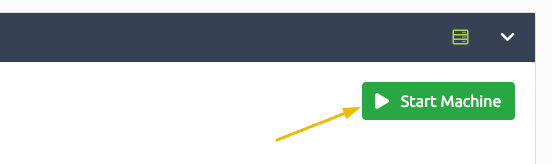
Click the green "Start Lab Machine" button to launch a new instance of the TryHackMe Attack Box. No OpenVPN connection is needed. You can use this AttackBox to work through other rooms on TryHackMe.
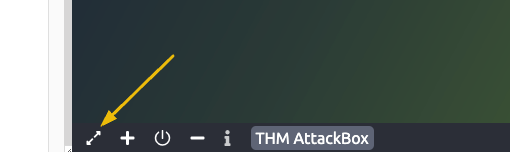
Once you have deployed the machine, it will open in split-screen mode. You can open it in a new tab in full screen by using this button at the bottom of the split screen panel.
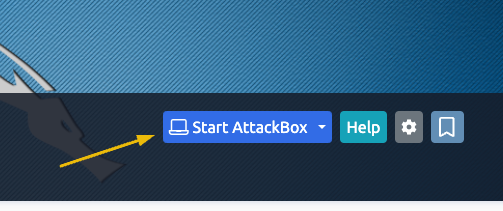
Please note, that you can also deploy your own AttackBox in every room that needs it using the blue "Start AttackBox" button, which is visible in the top right corner of the room.
Ready to learn Cyber Security?
The Kali Machine room is only available for Premium or Max subscribers. Signup now to access more than 500 free rooms and learn cyber security through a fun, interactive learning environment.
Already have an account? Log in