
Report Writing for SOC L2
Explore a vital skill for any senior role in a SOC: report writing.
easy

To access material, start machines and answer questions login.
As you move into a senior (Level 2) analyst role, the scope of your responsibilities shifts. Technical alert triage is still part of the job, but your findings now need to reach people beyond the , through formal case reports. This room explores the report writing skills that make you effective at the Level 2 role and beyond.
Learning Objectives
- Understand the purpose and value of professional reports
- Explore SOC report templates for various target audiences
- Learn how helps with report writing, and what the pitfalls are
- Practice the acquired knowledge in two interactive simulations
Prerequisites
- No formal prerequisites, but the room suits best for L1+ analysts
Let's go!
Responsibilities of Level 2
Level 2 is as much about communication as it is about technical skill. L1 analysts can do an outstanding job triaging alerts, but if those findings aren't communicated clearly, they have no value in the real world. As L2, your job is to turn SOC notes into something actionable: a precise summary report that colleagues, customers, or management can act on. Your report writing skills can decide whether an intrusion is stopped in time.
| L2 reports must sound credible and professional. Your report is how the outside world sees your SOC. |
|---|
In most SOC teams, L1 analysts communicate almost exclusively within the team itself: writing ticket notes, escalating alerts, and handing off to colleagues. For L2 analysts, this changes significantly: the role carries broader responsibility, and with it comes a higher need for soft skills. Depending on the organization and the severity of an incident, an L2 analyst may find themselves communicating with:
- Top management (C-level): To present an incident summary or a quarterly SOC report
- External customers: To report a detected intrusion and agree on next steps
- , , or InfoSec teams: To hand over the SOC findings and attack indicators

You will need to adjust your writing style for the right audience to succeed in a SOC
L2 Report Types
The L1 analysts don't create formal external reports and operate around short alert comments and escalation notes (200-500 characters per alert). During routine days, the L2 analysts don't go beyond that metric, too. But when something serious happens, they might need to write more formal reports, such as:
- Case summary for C-level: A business-focused, non-technical overview of the incident that occurred
- Email to the MSSP customer: A formal, actionable summary of what happened and what to do next
- DFIR team handover notes: A list of your findings from / to help the bigger forensics efforts
In the next tasks, we will explore best practices for every type of SOC L2 communication
Communication Channels
Lastly, L2 analysts need to choose the right channel for reporting. Let's see the common options below:
| Channel | Purpose |
|---|---|
| Voice Call | Used for urgent situations requiring an immediate response. For accountability, phone or Zoom calls are typically followed up with an email summary. |
| Email Letter | Security-related updates and incidents should always be communicated via email, with all relevant parties copied (CC) to ensure a clear audit trail. |
| Ticketing System | Bigger MSSPs have dedicated ticketing systems and customer portals (e.g. Jira ) that are used instead of regular email threads. |
| Corporate Chat | Ideal for internal and informal discussions. Same as with voice calls, key decisions and incident findings should still be summarized via email. |
Note: Every company builds its own workflows, so the table above might not be applicable to every SOC or MSSP.
Which SOC tier, L1 or L2, bridges the SOC and the outside world?
What do L2 analysts write to summarize SOC findings (one word)?
Reporting to Company Leadership
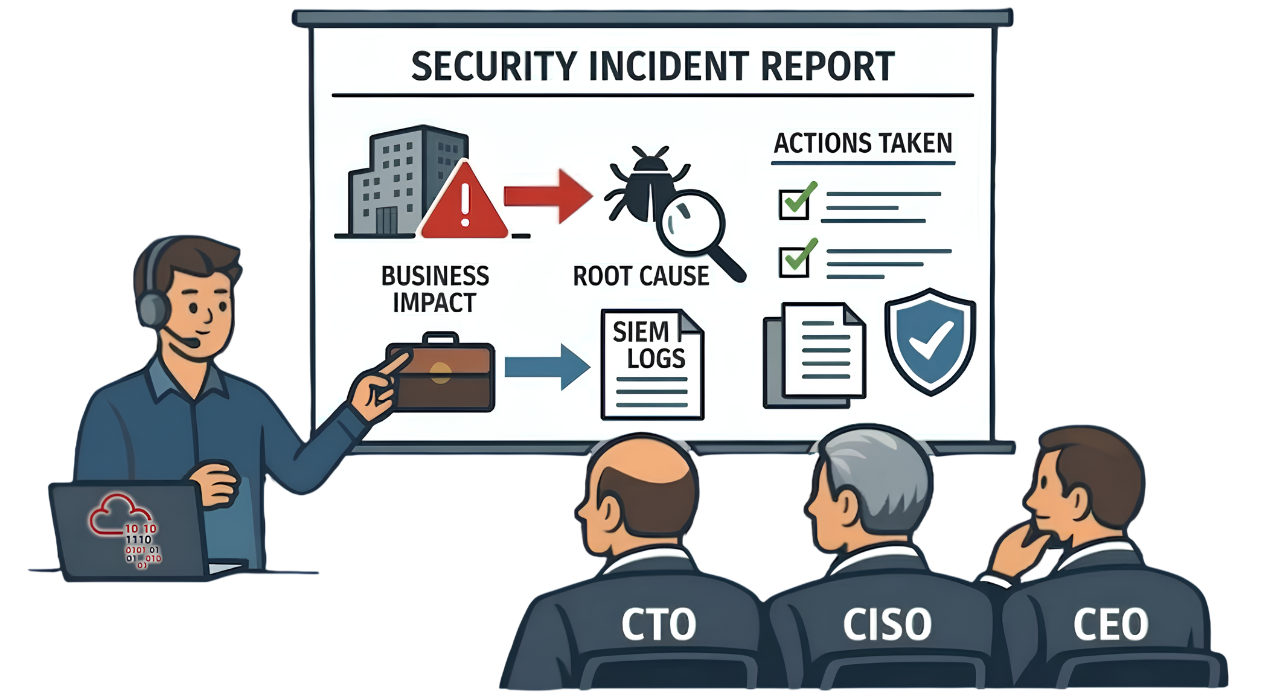
The internal team always reports to a C-level position, such as , CISO, or even CEO. Whenever your SOC handles (or misses) an intrusion that causes business impact, you need to explain it to the leadership. You might also need to prepare periodic reports on SOC effectiveness or write a formal request to purchase or replace a security solution. The key rules you need to remember during C-level communication are:
- Focus on business: Focus on what's important for the company, not just SOC.
- Use formal tone: Speak and write as an independent expert, not as an old friend.
- Keep it simple: Avoid jargon and terminology; your audience is non-technical.
- Talk in facts: Keep evidence for your statements (screenshots, snapshots, links).
- Don't panic: During incidents, show that the situation is fully under SOC control.
Contacting Customers
If your SOC operates as an MSSP, you may be communicating with dozens of customers every day. As an L2 analyst, one of the most frequent and important tasks you have is reporting security threats to the customers. This should always be done through an official channel, typically email, with SOC colleagues and customer representatives in copy, so there is a clear and shared record of every communication. Let's imagine a scenario from an OpenDoor customer:
1. The Scenario
- The L1 analyst escalates a critical alert to you about a data stealer on LPT-007
- You investigate the alert deeper and find out the affected developer, bob.phisher
- You confirm the impact of the incident: the stored access keys have been stolen
- You remediate the malware and isolate the laptop, but can't "unsteal" the AWS keys
- You urgently contact the customer and explain how to invalidate the stolen AWS keys
2. The Initial Report
Your immediate task is to start the response within the . For this, you collect what you know so far and send a report to the customer. At this stage, the report doesn't need to explain the whole incident, but must highlight the urgency of the incident, explain what the customer must do to stop it, and when to expect more updates from your team. The goal of the initial report is to start threat containment as soon as possible. See the email example below:
✉ The Initial Report EmailTo: contact@opendoor., soc@tryhackme.thm Subject: [SOC Incident] Data stealer infection on LPT-007 Dear Customer, We are writing to notify you of a critical security incident affecting your environment. Today at 17:15 , our SOC detected and confirmed an AMOS data stealer infection on LPT-007, owned by Bob Phisher, lead backend developer. The malware has been quarantined, but prior to containment, it exfiltrated locally stored AWS access keys. Without a timely response, the stolen keys could be abused to access or modify data within OpenDoor's AWS environment; the full scope is currently under analysis. Suggested Customer Actions
What To Expect From Us
Please treat the above actions as urgent. We are also available for a call at your earliest convenience. Best regards, |
 |
3. The Final Report
After the initial report, communication becomes ongoing: you share deeper findings, while the customer provides additional context from their side. Once all information has been gathered, you prepare a final report. The goal of the final report is to act as a formal proof that your work on the incident is over, and answer all questions the customer may have, such as how the attack started or why your SOC missed the threat. See the email example below:
✉ The Final Report EmailTo: contact@opendoor.thm, soc@tryhackme.thm Subject: Re: [SOC Incident] Data stealer infection on LPT-007 Dear Customer, Incident Summary On March 12th 2026, at 17:15 UTC, our SOC detected and confirmed an AMOS stealer infection on LPT-007, owned by Bob Phisher. The attack started as soon as the user visited a website (discord-download[.]thm) and downloaded a fake Discord installer (Discord.dmg) from there. We believe the user attempted to download a legitimate installer, but was tricked by adversaries poisoning Google search engine results. The downloaded and executed file exfiltrated two locally stored AWS access keys before being contained by . If abused, the keys would have granted admin access to OpenDoor's Cardholder Data Environment in AWS cloud. The host LPT-007 has been isolated by the SOC team, the threat has been fully remediated from the device, and the affected keys have been rotated by the Customer. No further impact has been detected, and the device isolation has been lifted. Root Cause Analysis
Long-Term Recommendations
Please do not hesitate to reach out to us in case of any questions. Thank you. Best regards, |
 |
Challenge
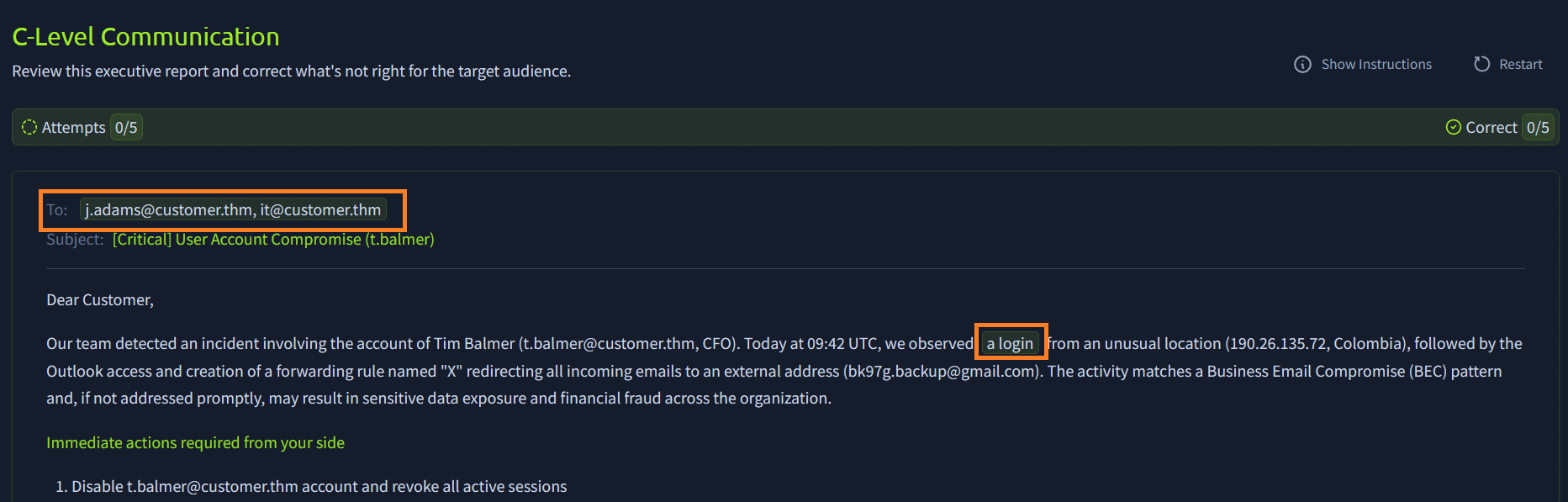
Open the website above, review this executive report, and correct what's not right for the target audience by clicking on the highlighted parts. Once you're done, receive the flag for Question 3. For a better experience on small screens, consider opening the website in full-screen mode.
Should you complete the analysis after sharing the initial SOC report? (Yea/Nay)
Should you keep your team informed about the ongoing communication? (Yea/Nay)
What flag did you receive after completing the task's challenge?
and Relationship
The Digital Forensics and Incident Response (DFIR) team is like a fire department. Whenever a major incident happens, and regular logs aren't enough, they join the efforts and often take the incident ownership over SOC analysts. In smaller companies, SOC and DFIR teams are typically a single entity, and the communication is simple and casual. In bigger ones, they are independent, and the communication becomes more formal. Let's imagine a scenario:
- Your has just started the onboarding and covers 10% of OpenDoor's network
- You received a critical Ransomware Infection alert from the monitored part of the network
- The evidence leads you to the conclusion that the whole AD network is being encrypted
- You isolate what you can, call the customer, and suggest shutting down all their servers
- OpenDoor urgently hires a DFIR team from TrySaveMe to take over the critical incident
- You are asked to hand over all findings and indicators you found in to TrySaveMe
DFIR Handover Notes
Unlike C-level leadership and MSSP customers, DFIR team members focus less on style and language, but more on raw facts and evidence. They would expect actionable TTPs and attack artifacts from you so that they could start where you ended; one page of your SIEM findings would be more valuable than ten pages of filler text. In our example, TrySaveMe would be interested in:
- Incident Context: How everything started and what log sources your SOC monitors
- Attack Timeline: When and where the attack started, and how it continued step by step
- Attack Scope: All you know about the affected hosts, users, and other related assets
- Performed Actions: What response actions have you or the customer already done
- Raw Indicators: , domains, hashes, scripts, tools, and other IoCs you identified
Handover Notes Example
Internal notes are often shared on a voice call or through an informal chat channel. However, in our scenario, TrySaveMe is an external DFIR team, so you'd better communicate via email for accountability and legal purposes. Also, keep in mind that DFIR teams rarely need generic recommendations; they are experts and just need the findings and facts. Below is an example of handover notes you can prepare:
✉ DFIR Handover Notes: OpenDoor Inc.To: dfir@trysaveme., soc@tryhackme.thm Subject: [Handover Notes] Ransomware Attack on OpenDoor Inc. Case Summary OpenDoor Inc. is actively experiencing a ransomware attack targeting their Active Directory environment. SOC visibility covers 10% of the environment, where ransomware deployment was prevented. The remaining 90% of the environment is presumed encrypted. The customer has been notified, and the data center has been fully shut down as a containment measure. Incident timeline and reference links below:
Mar 6, 07:15 | WEB-01 Mar 6, 07:32 UTC | WEB-01 Mar 6, 07:45 UTC | WEB-01 Mar 6, 08:22 UTC | INT-FS-02 SOC Response Indicators
|
 |
Challenge
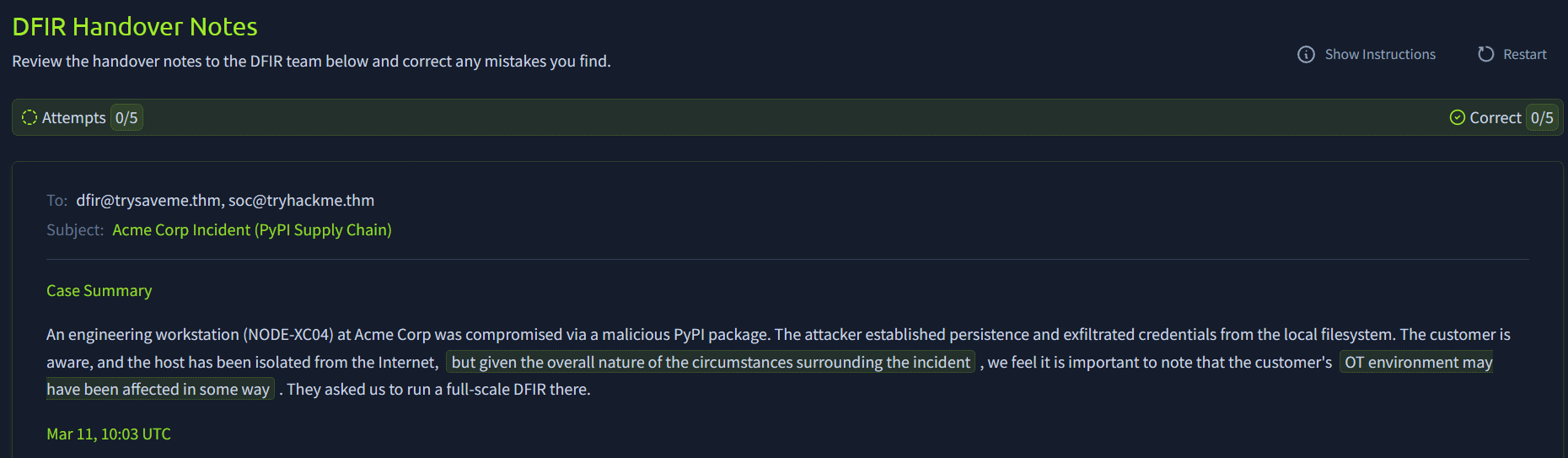
Open the website above, review the handover notes to the DFIR team, and correct any mistakes you find by clicking on the highlighted parts. Once you're done, receive the flag for Question 3. For a better experience on small screens, consider opening the website in full-screen mode.
Are L2 handover notes meant for a non-technical audience? (Yea/Nay)
What part of the handover notes lists your findings chronologically?
What flag did you receive after completing the task's challenge?
in Report Writing
Think about how much time you'd need to write reports similar to those in the previous tasks. Even if you already have the attack chain in your head, translating it to a formal report might take half an hour, or even more if English is not your native language. This is where GenAI can help: you feed your notes and report requirements to a prompt, and receive a well-structured report in the output.
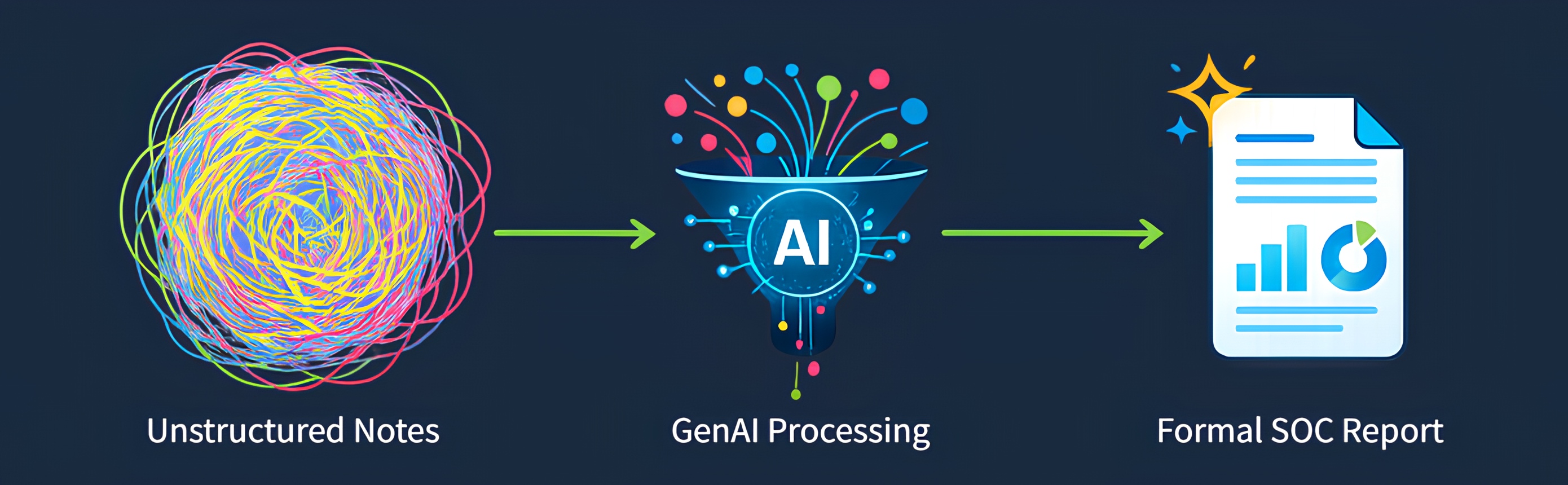
Importance of Case Context
The quality of an AI-assisted report depends on the model and context you provide. Ideally, your prompt should fit into the model's , include your requirements for report style and size, and contain the following context:
- Customer profile: Industry, size, unique contract agreements
- Asset details: Role of the server or position of the affected employee
- Threat intelligence: Enriched TI reports about the observed indicators
- Historical context: Summaries and outcomes of past similar incidents
- Monitoring notes: Interesting False Positives cases or specifics
| AI is only as good as what you feed it. Experiment and find your "golden prompts". |
|---|
Responsible AI Usage
While GenAI does a great job at summarizing the incident and setting the right style for the audience, its results must always be verified, especially if the report is sent outside of your team. The customers won't care if you used AI or not, but it is fully your responsibility to send a correct, professional report. The main pitfalls you can have with using AI-assisted reports are:
1. Sensitive Data Exposure
First of all, don't forget that all data you paste on the Internet becomes out of your control, and GenAI prompts are no exception. If your team uses cloud GenAI services instead of relying on self-hosted models, you must ensure that the confidential data is not pasted into prompts, especially the data of your MSSP customers and hardcoded credentials (e.g., in the process command line).
2. Too Much Filler Text
GenAI excels at generating text, but the report readers need not just any text but actionable instructions. A customer might scroll through 10 pages of the report and still not find any attack indicators or applicable recommendations. That's an indicator of a bad report. Your primary task is to keep the report structured and actionable - not big and complex.
3. GenAI Hallucinations
Imagine your company uses a security tool that reads password hashes of domain users and checks if they are found in public data leaks. If you feed the behavior of the tool to the AI, it will surely panic, alert on credential dumping malware, and recommend isolating the host. To avoid such scenarios, you should provide enough context, including the tool documentation.
4. Destructive Containment
I once had a security incident, where attackers injected malware code into Windows Explorer's memory and the AI assistant recommended quarantining the explorer.exe binary. At first, it sounds correct: a binary did malicious action, so let's block it. However, since Explorer is a core component, such action will completely break the system and still not remediate the threat. Be very careful with trusting AI regarding containment and eradication.
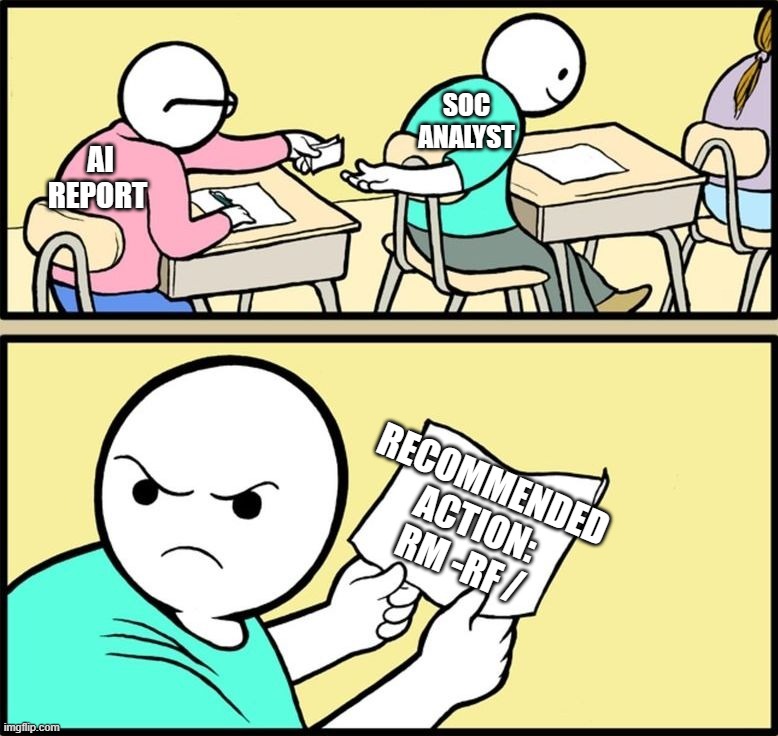
Remember, GenAI is your report-writing assistant, but you are a decision maker. Not vice versa
What should you provide in the AI prompt to get the best reports?
Should you fully rely on GenAI for critical decision making? (Yea/Nay)
Communication becomes more critical as you move up to L2 and beyond. Even if you are a security expert, the employees and customers you protect can't act without clear, simple guidance from you. Don't underestimate report writing, as it is a core skill for L2 and further leadership roles. Also, if you plan to take the SAL2 exam, check out the section below. Either way, we hope you enjoyed the room!
SAL2 Exam Tips
Real-world external communication is often chaotic: you miss details and send follow-ups, customer misunderstands your suggestions and asks for a call, team doesn't wait for your notes and starts independently. The SAL2 exam does not account for these edge cases and expects one clean report, written once, after reviewing the incident. That means a few special rules apply:
- Fully investigate the threat first and then start writing the report (no follow-ups)
- Merge the initial and final reports into one complete email for a C-level audience
- Analyse all logs available before sharing handover notes with the DFIR team
Complete the room!
Ready to learn Cyber Security?
TryHackMe provides free online cyber security training to secure jobs & upskill through a fun, interactive learning environment.
Already have an account? Log in