Task 1: Starting your first machine
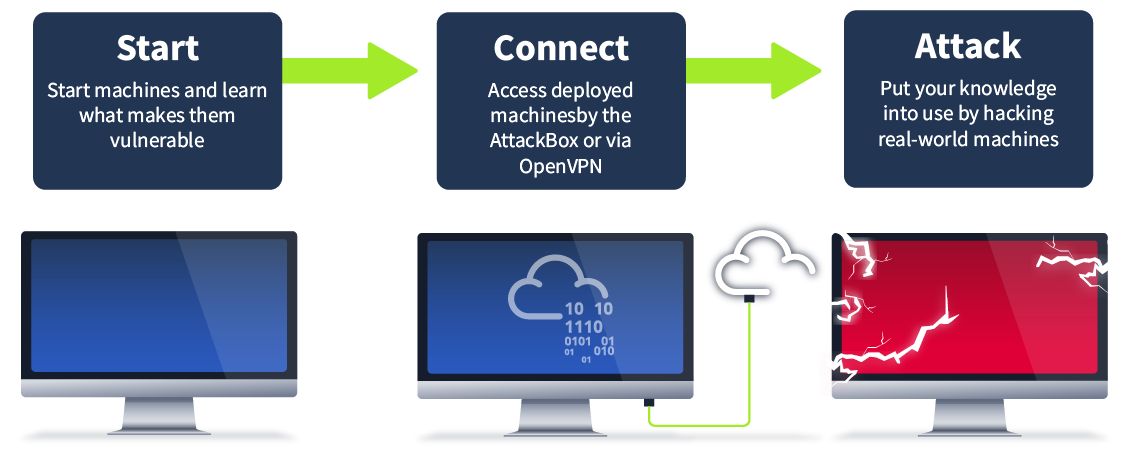
On TryHackMe you'll learn by starting and hacking machines
Let's start your AttackBox, a web-based machine used to attack other machines you start on tasks.
- Launch the AttackBox by clicking the Start AttackBox button above, or at the the top of the page; the AttackBox is what you will use to access lab machines you start on tasks such as this one.
- Start the machine by clicking the Start Lab Machine button above and wait 1 minute for it to configure.
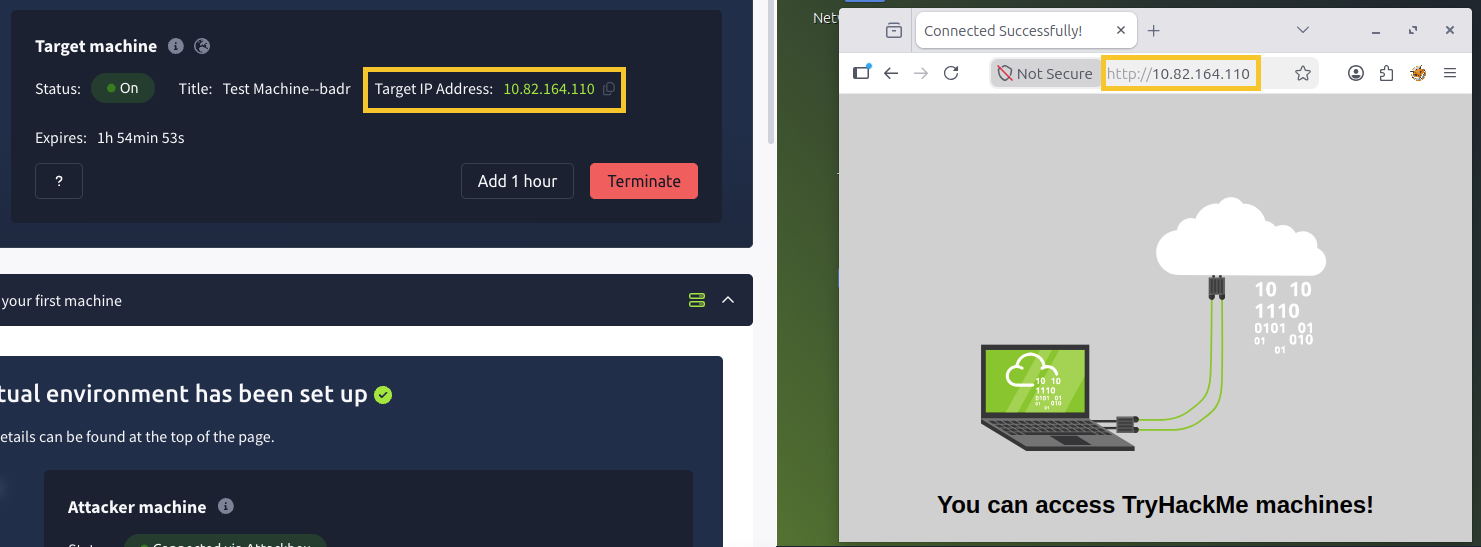
- Scroll to the top of the page to see the deployment information similar to the screenshot below. The target machine IP address displayed is the address of your machine. Copy the IP address of the target machine, then on the AttackBox (right-hand side), open up Firefox (on the AttackBox) and paste the IP Address into the URL bar.
The machines you start on tasks (left hand-side) are the "lab machines" and are accessed by the AttackBox (right hand-side).
(Advanced) Alternatively you can access machines via OpenVPN
You can also use an OpenVPN connection and use your own computer. Follow the steps on the OpenVPN page for further instructions on connecting. Once connected to our network via OpenVPN, deploy the machine on this task and paste its IP into your own browser.
When you've finished with a machine in any room, make sure to stop it by clicking the red "Terminate" button.
Answer the questions below
Follow the steps in this task. What is the flag text shown on the website of the machine you started on this task?
A flag is just a piece of text that's used to verify you've performed a certain action. In security challenges, users are asked to find flags to prove that they've successfully hacked a machine