Task 1: Introduction
Welcome to the team, kid. I have something for you to get your feet wet.
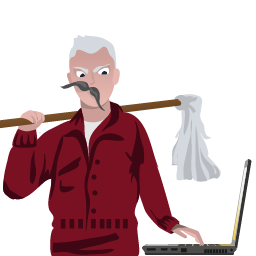
Our client has a newly hired employee who saw a suspicious-looking janitor exiting his office as he was about to return from lunch.
I want you to investigate if there was user activity while the user was away between 12:05 PM to 12:45 PM on the 19th of November 2022. If there are, figure out what files were accessed and exfiltrated externally.
You'll be accessing a live system, but use the disk image already exported to the C:\Users\THM-RFedora\Desktop\kape-results\C directory for your investigation. The link to the tools that you'll need is in C:\Users\THM-RFedora\Desktop\tools
Finally, I want to remind you that you signed an NDA, so avoid viewing any files classified as top secret. I don't want us to get into trouble.
Connecting to the machine
Start the lab machine in split-screen view by clicking on the green "Start Lab Machine" button on the upper right section of this task. If the VM is not visible, use the blue "Show Split View" button at the top-right of the page. Alternatively, you can connect to the VM using the credentials below via "Remote Desktop".
| Username | THM-RFedora |
| Password | Passw0rd! |
| IP | MACHINE_IP |
Answer the questions below
- Connect to the machine and continue to the next task