
Back to all walkthroughs

Agent Building
Premium roomBuild a Security Investigation Agent with tools, context, memory, and evidence-based decisions.
medium
To access material, start machines and answer questions login.
In the previous rooms, Agent Discovery, Agent Design, and Agent Foundations, you explored what agents are, identified where they can support a security workflow, and designed the NorthStar Fashion Security Investigation Agent.
You defined its purpose, selected the capabilities it needs, established its boundaries, and explored the core concepts behind tool use, state, and agent workflows.
Now it is time to build it.
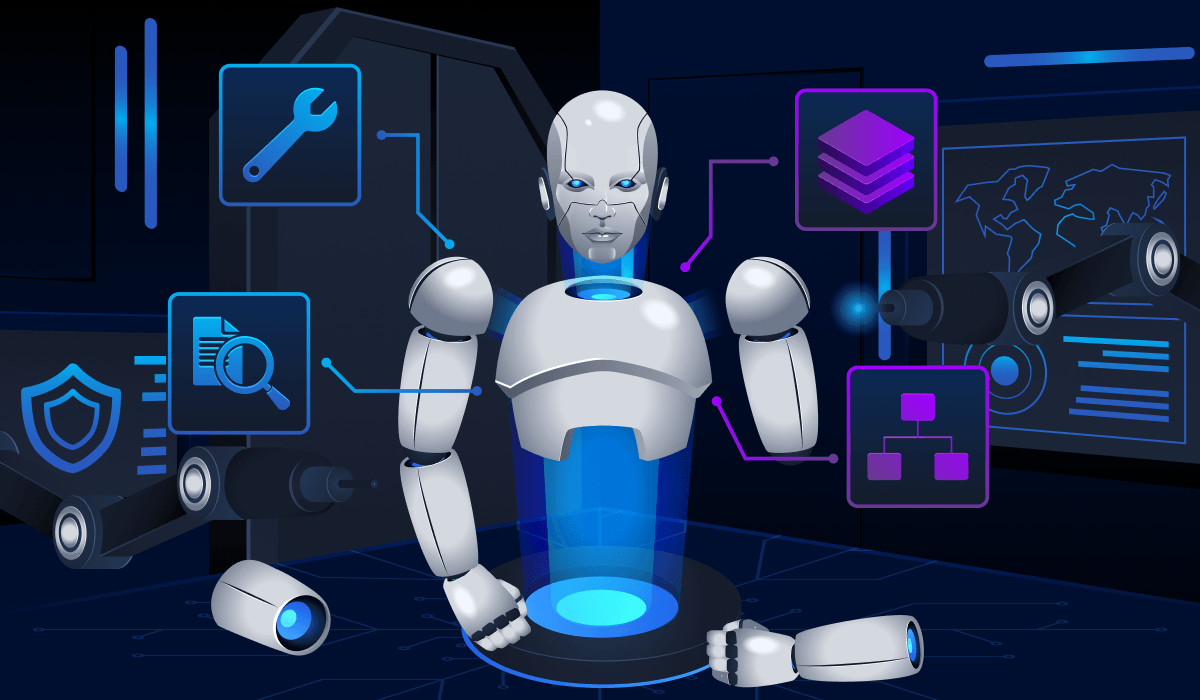
In this room, you will progressively assemble the NorthStar Fashion Security Investigation Agent and connect it to the evidence sources required for alert investigations. You will begin with the agent’s instructions and behaviour, then add tools to retrieve alerts, search related logs, check IP reputation, and consult relevant organisational context. Finally, you will introduce conversation memory, so follow-up questions can continue from an existing investigation.
Each capability adds another step to the investigation workflow. The agent begins with a security alert, retrieves the relevant evidence, searches related SIEM logs, checks external context such as IP reputation, reviews organisational information, and then combines those findings to produce a supported verdict for the engineer to review.
Learning Objectives
By the end of this room, you will be able to:
- Build a Security Investigation Agent from a defined design
- Connect tools that retrieve alerts and search SIEM logs
- Correlate evidence across accounts, IP addresses, devices, events, and timestamps
- Add external and organisational context to an investigation
- Use conversation memory to support follow-up questions
- Produce evidence-based verdicts while keeping final security decisions with the analyst
Prerequisites
Before starting this room, you should understand the basic concepts introduced in:
You should be familiar with AI agents, tools, prompts, structured outputs, state, and basic agent workflows.
Machine Access
Start the machine using the Start Lab Machine button below. Allow 2-3 minutes for it to fully load. Once ready, the will open in split view, providing access to both the lab environment and the required tools.
Set up your virtual environment
To successfully complete this room, you'll need to set up your virtual environment. This involves starting the Lab Machine, ensuring you're equipped with the necessary tools and access to tackle the challenges ahead.

Lab machine
Status:Off
Answer the questions below
I’m ready to start!
Ready to learn Cyber Security?
The Agent Building room is only available for Premium or Max subscribers. Signup now to access more than 500 free rooms and learn cyber security through a fun, interactive learning environment.
Already have an account? Log in