Task 1: Introduction
What are the basic principles of Digital Forensics and Incident Response (DFIR), and why are they crucial? How do ethical considerations impact digital investigations, and what role does the Chain of Custody play in managing digital evidence? What best practices should be followed to analyze digital evidence while complying with legal and regulatory standards?
In this room, we will explore the foundational principles of Digital Forensics and Incident Response (DFIR), ethical considerations in digital investigations, the importance of the Chain of Custody in digital evidence management, the legal standards for acquiring and handling forensic disk images, and best practices for analysing digital evidence in compliance with legal and regulatory standards.
Learning Objectives
The following topics are tailored to equip DFIR Teams, Legal Advisors, and Compliance Officers with the necessary knowledge to navigate the complexities of legalities in digital investigations:
- Understanding the foundational principles of DFIR.
- Recognising the ethical considerations in digital investigations.
- Learning about legal compliance and evidence handling in DFIR.
- Understanding the importance of the Chain of Custody in digital evidence management and its legal implications.
- Learning the legal standards for acquiring and handling forensic disk images to ensure admissibility in court.
- Examining best practices for analysing digital evidence while complying with legal and regulatory standards.
Room Prerequisites
Embark on this comprehensive module designed to enhance your proficiency in swiftly recognising security breaches and assessing their magnitude, reinforcing the legal integrity of DFIR practices across various platforms.
Connecting to the machine
Let's start the lab machine in a split-screen view by clicking the green Start Lab Machine button on the upper right section of this task. If the VM is not visible, use the blue Show Split View button at the top-right of the page. Alternatively, using the credentials below, you can connect to the VM via RDP. Please allow the machine at least 4 minutes to fully deploy before interacting with it.
| Username | analyst |
| Password | DFIR321! |
| IP | MACHINE_IP |
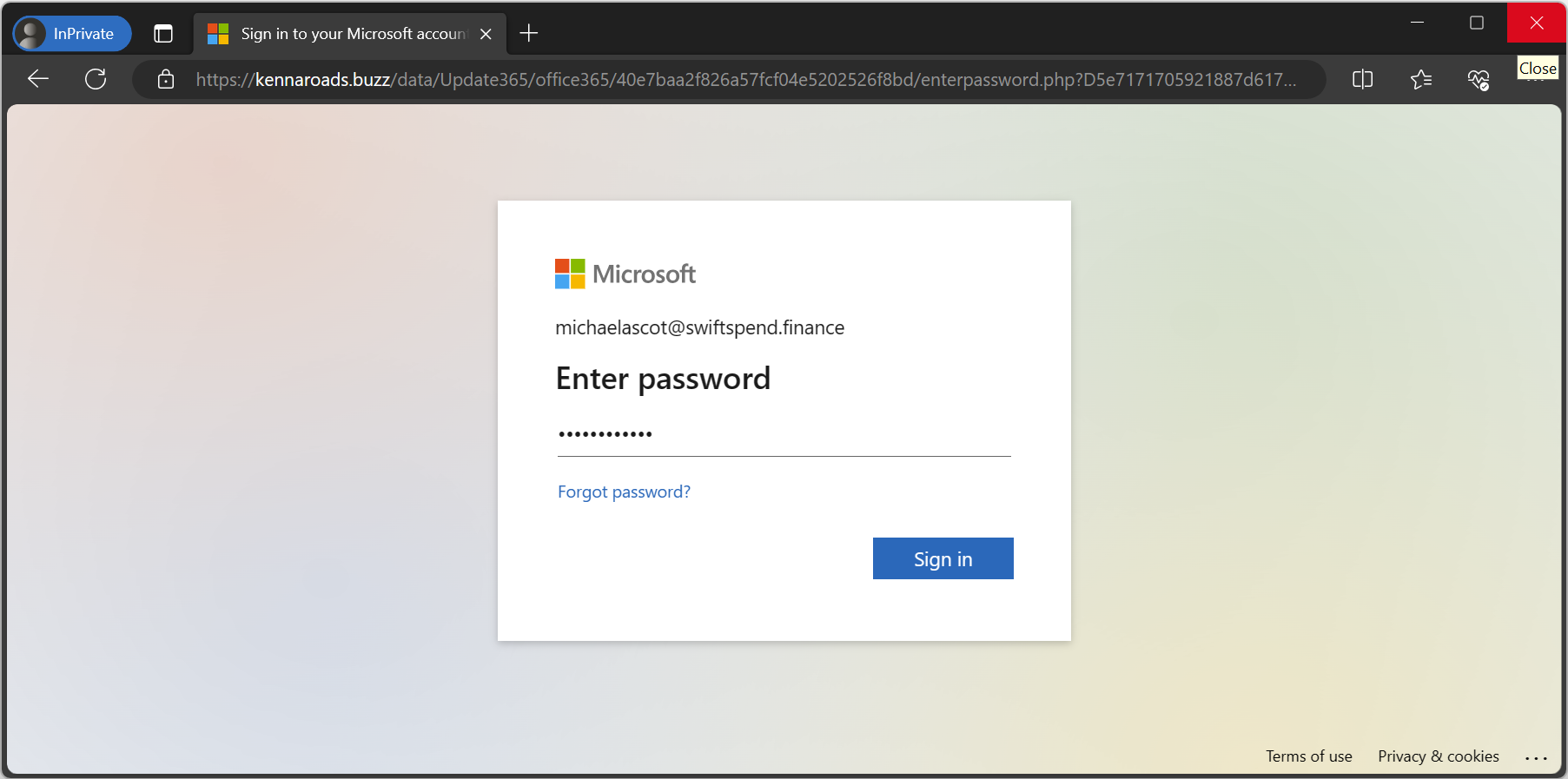
IMPORTANT: The VM has all the artefacts and clues to understand the underlying incident and legal considerations. There is no need for fancy hacks, brute force, and the like. Dive into the simulated corporate scenario and start the detective work! Microsoft Outlook will start on its own. Kindly ignore the activation key window by pressing Back, and then proceed by clicking Skip for now ⇒ Use as view only. When asked for a license, click X; for optional data, click Next ⇒ Don't send optional data ⇒ Done in the subsequent pop-up windows.
Answer the questions below
- I'm ready to learn about the Legal Considerations for DFIR.