
Back to all walkthroughs

Welcome
Learn how to use a TryHackMe room to start your upskilling in cyber security.
easy
To access material, start machines and answer questions login.
Think of a room like a virtual classroom that teaches a security topic.
You'll use a mixture of guides and challenges to upskill in different areas cyber security.
Answer the questions below
Rooms include questions that award you points, use the leaderboards to see where you rank against other fellow hackers.
Set up your virtual environment
To successfully complete this room, you'll need to set up your virtual environment. This involves starting both your AttackBox (if you're not using your VPN) and Lab Machines, ensuring you're equipped with the necessary tools and access to tackle the challenges ahead.

Attacker machine
Status:Off
Lab machine
Status:Off
Accessing machines through your browser
Some tasks will have you learning by doing, often through hacking or interacting with a lab machine. You can control a free machine (the AttackBox) in your browser to access other machines you deploy and get hacking quicker.
- Start the machine by clicking the Start Lab Machine button above and wait 1 minute for it to configure.
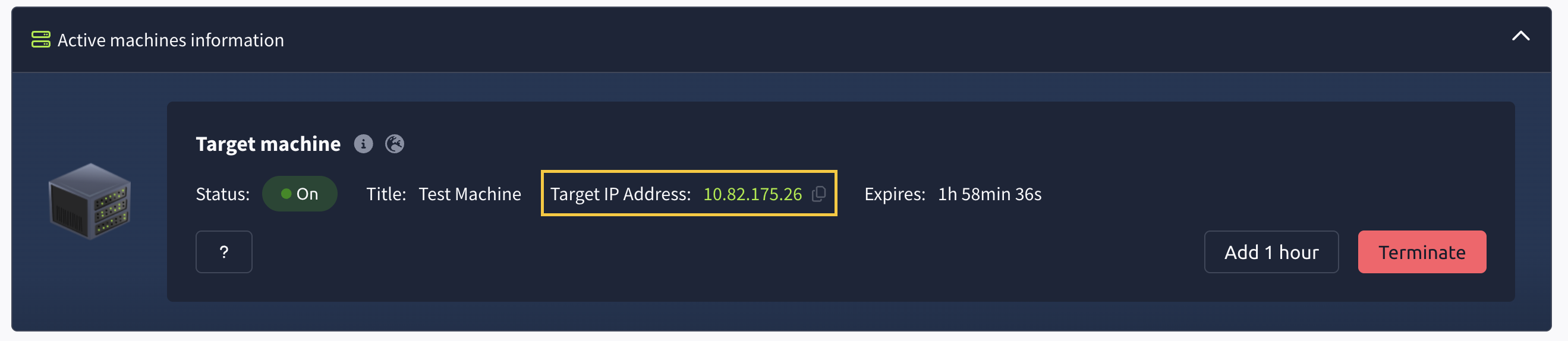
- Then scroll to the top of the page to see the deployment information similar to the screenshot below. The IP address displayed is the address of your machine. Copy the IP address of the target machine.
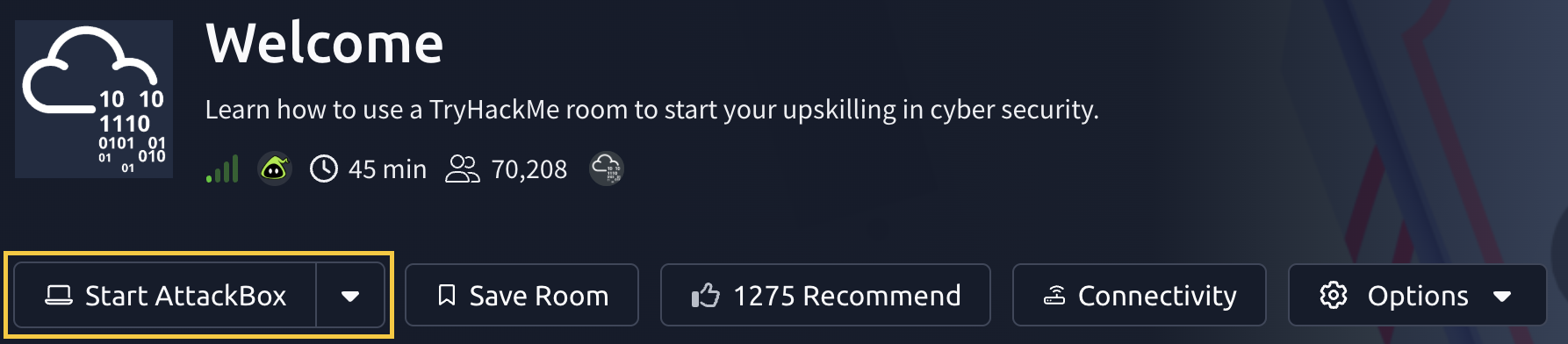
- Launch the AttackBox by clicking the Start AttackBox button above, or at the the top of the page. The TryHackMe AttackBox is a Ubuntu machine that is hosted online in the cloud and can be interacted with via your browser. You will be using this to interact with the machine that you deploy in this task. As a free user, you can only deploy the free AttackBox once a day for 1 hour - Subscribe to remove this limit.
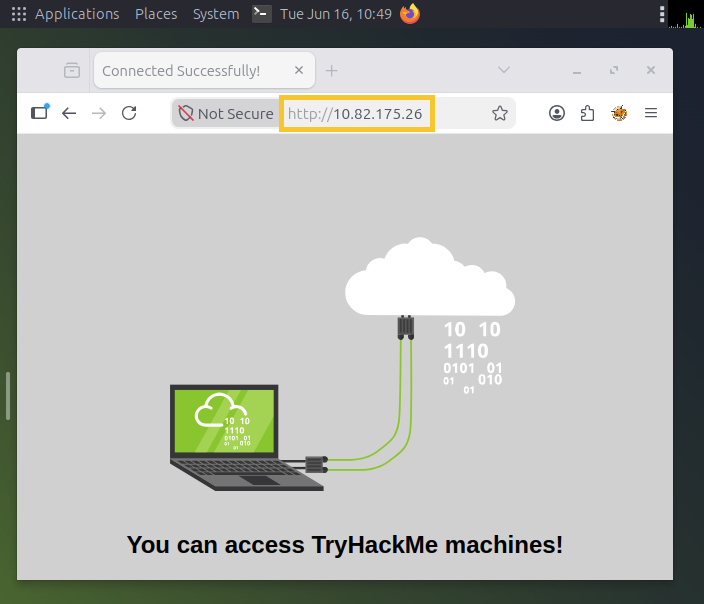
- Open Firefox on the AttackBox, and paste the IP you copied earlier into the browser.
Access the machine via OpenVPN
Alternatively, you can use an OpenVPN connection and use your own computer. Follow the steps on the OpenVPN page for further instructions on connecting. Once connected to our network via OpenVPN, deploy the machine on this task and paste its IP into your own browser.
Answer the questions below
What is the flag text shown on website of the machine you deployed on this task?
Now you've managed to deploy and access a TryHackMe machine, search for a security topic to learn on the Hacktivities page.
Don't forget to check out our Pathways for a more guided learning experience.
Other interesting offerings:
We release weekly security challenges and walkthroughs
You can upload your own VMs and make your own rooms
Come join our Discord community and say hi!
Answer the questions below
Read the above and explore TryHackMe!
Ready to learn Cyber Security?
TryHackMe provides free online cyber security training to secure jobs & upskill through a fun, interactive learning environment.
Already have an account? Log in