Task 1: Connecting to our network
Get Connected
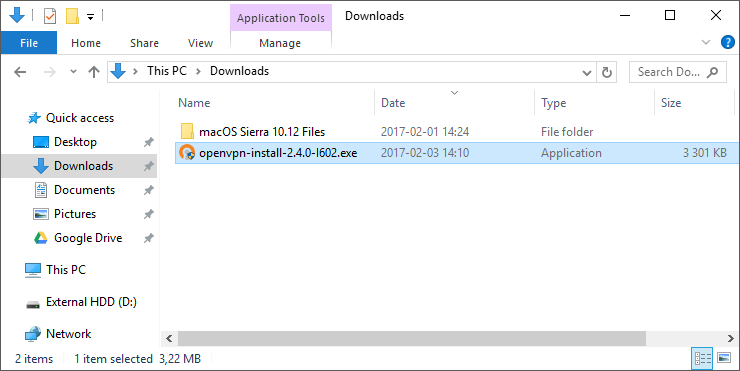
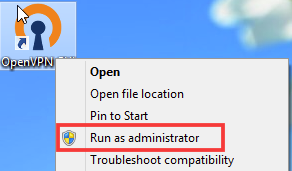
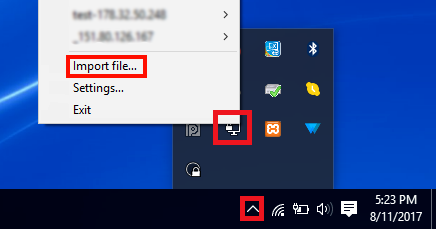
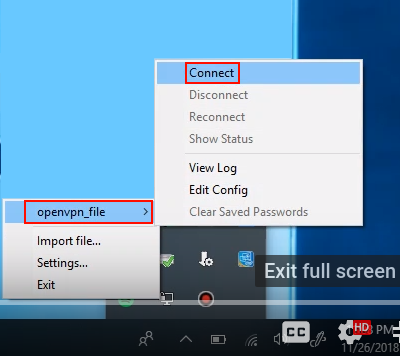
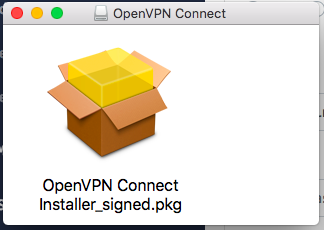
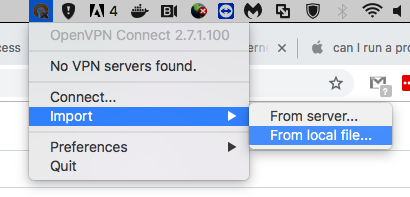
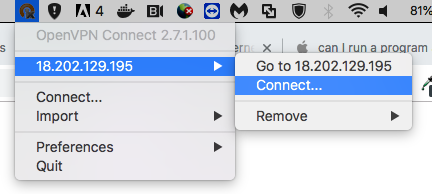
To connect to our network, you need to download the OpenVPN GUI open-source application and import your VPN configuration file.
On TryHackMe you can deploy lab machines that you can use to hack into and learn from. However, to access these machines you need to be connected to our network. You do this through using a VPN (similar to how you would connect to a work or school computer from home).
This VPN should be connected from your hacking machine, directly to the THM network. If your machine is a lab machine, run the steps for the lab machine, not the host machine.
Firstly, go to the access page and download your VPN configuration file. Then read the task that is suited for your computer.
Answer the questions below
Download your configuration file from the access page.